PayPal Scam Email in 2026: 9 Real Examples, Every Red Flag, and What to Do If You Clicked
Got a suspicious PayPal email? Here are the 9 most common PayPal scam emails in 2026 (with real screenshots-in-words), the 6 red flags every fake shares, how to tell a legit PayPal email from a phishing one in 30 seconds, and the exact steps to take if you already clicked the link or paid an invoice.
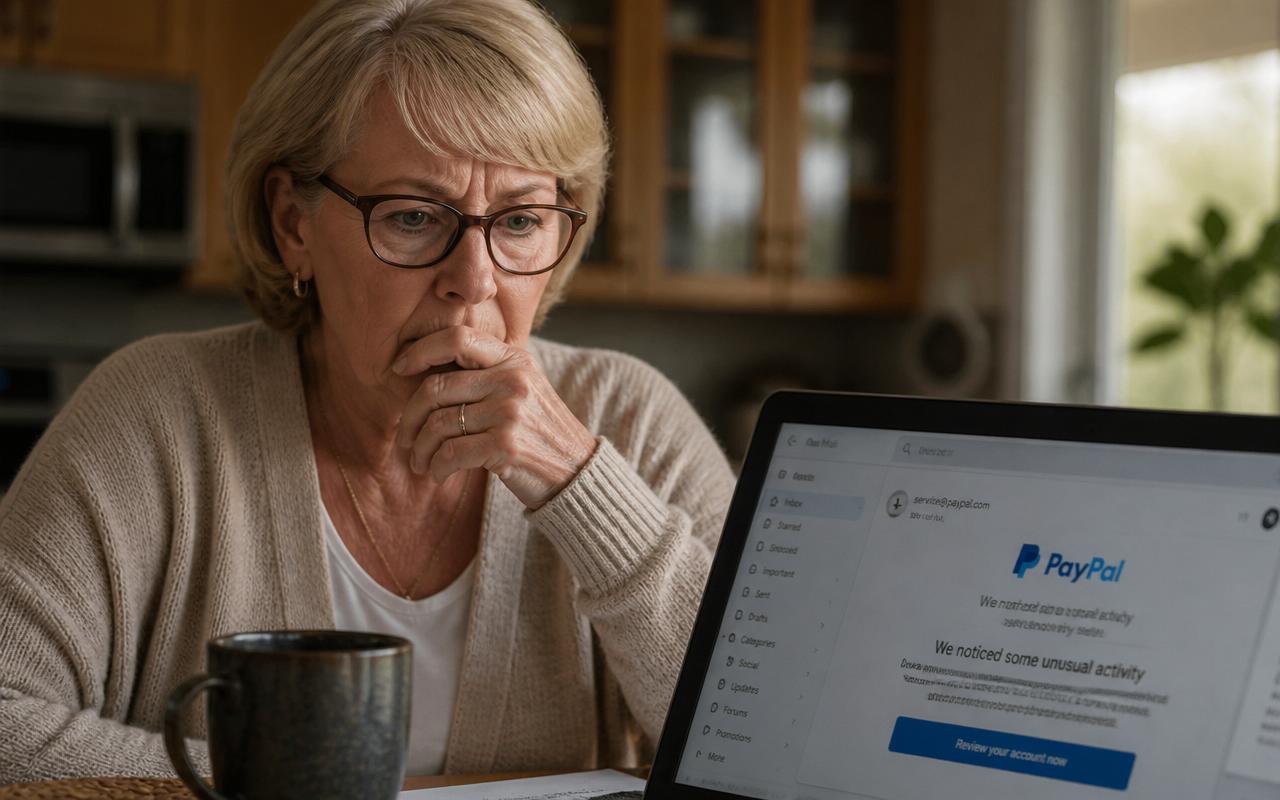
It looks real. The PayPal logo is right. The blue 'Log In' button is right. The subject line says something urgent like 'You sent a payment of $749.99 to Coinbase' or 'We noticed some unusual activity on your account.' Your stomach drops — you didn't send that payment. So you click 'Cancel this transaction' or 'Review your account,' and in the next 90 seconds a stranger has your PayPal password, your bank login, and permission to drain both.
PayPal scam emails are the single most-reported phishing attack in the United States. The FTC's Consumer Sentinel database logged more than 250,000 PayPal-impersonation complaints in the last 12 months, and retirees over 60 lose more money per incident to these emails than any other age group. This guide shows you the 9 exact PayPal scam email templates circulating in 2026, the 6 red flags they all share, how to check whether a PayPal email is legit in 30 seconds, and the recovery steps to take right now if you already clicked the link or paid the fake invoice.
How to tell a real PayPal email from a scam in 30 seconds
Before we go through the 9 scam templates, learn the 30-second check. Every legit PayPal email passes all four of these tests. If even one fails, it's a scam — delete it.
- The sender's address ends in exactly @paypal.com, @e.paypal.com, or @paypal.co.uk (not paypal-security.com, paypal.support-team.com, paypal@gmail.com, or service-paypal.com).
- The email greets you by your real first and last name — the name on your PayPal account. Real PayPal never says 'Dear Customer,' 'Dear User,' or 'Dear Valued Member.'
- There is no attachment. PayPal never sends invoices, receipts, or account alerts as PDF, DOC, HTML, or ZIP attachments.
- The links, when you hover your mouse over them without clicking, all point to paypal.com/... — not paypal.com.security-check.net, not bit.ly/xyz, not an IP address like 192.168.x.x.
That's it. Sender, greeting, attachment, hover-check. Four seconds each. If you can't confirm all four in 30 seconds, stop, close the email, and check your PayPal account directly at paypal.com.
The 9 PayPal scam emails circulating right now (2026)
1. The fake 'You sent a payment' receipt
Subject: 'Receipt for your payment to Coinbase — $749.99 USD.' The email looks like a normal PayPal receipt, right down to the transaction ID. But you never sent a payment. The panic-button link at the bottom says 'If you did not authorize this transaction, click here to dispute within 24 hours.' That link is the trap — it opens a fake PayPal login page that harvests your password.
2. The 'unusual sign-in activity' alert
Subject: 'We noticed some unusual activity on your account' or 'New sign-in from Windows device in Moscow, Russia.' It shows a device, location, and time. The 'Secure my account' button leads to a fake login page. Real PayPal does send device alerts, but it never gives you a login link inside the email — it tells you to log in at paypal.com.
3. The PayPal invoice scam (a stranger sends you a bill)
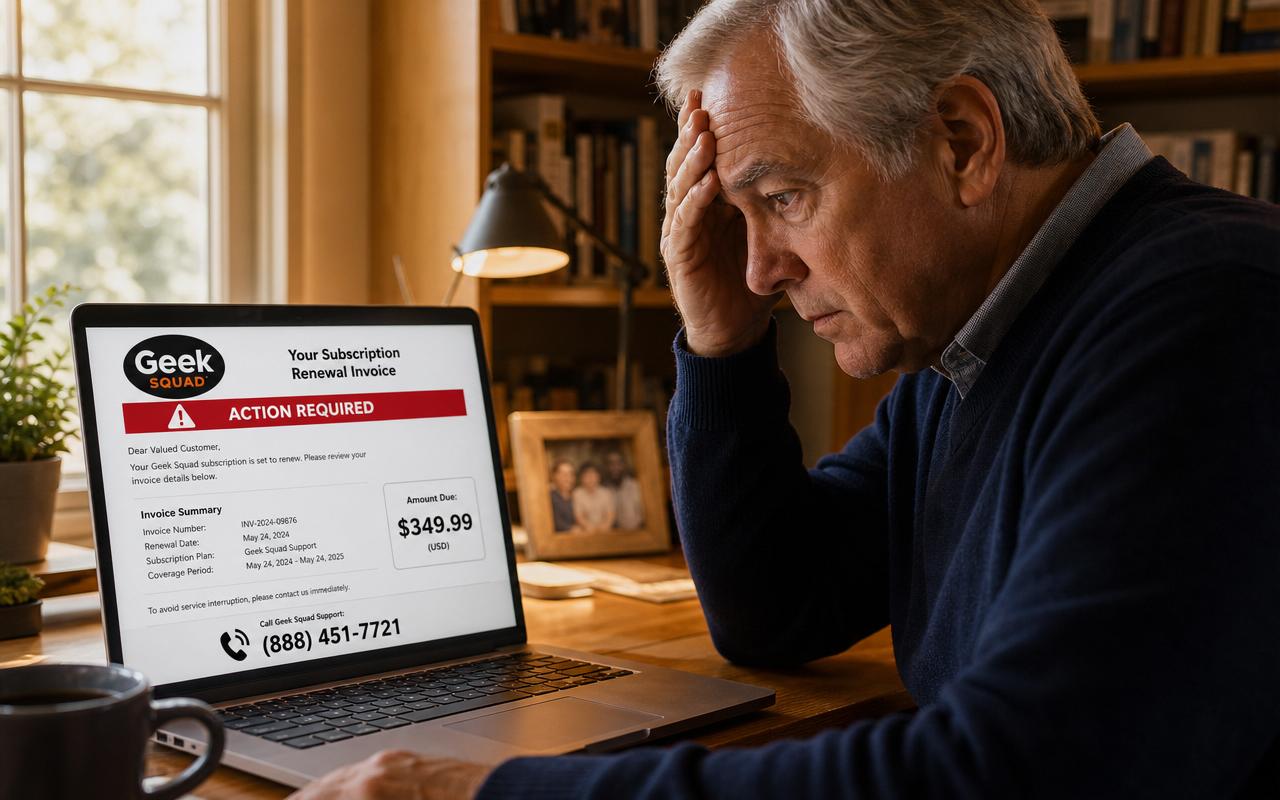
This one is different — it's a real email from real PayPal servers, but the invoice inside is fake. Scammers create free PayPal Business accounts and send you an invoice for something you never bought (often Bitcoin, Norton antivirus, or Best Buy purchases for $499–$899). The invoice includes a note like 'If you did not authorize this charge, call 1-888-XXX-XXXX immediately.' You call, and a fake 'PayPal agent' walks you through installing remote-access software (AnyDesk, TeamViewer) that lets them empty your bank account. This is the paypal_inc scam and the paypal invoice scam most often reported to the FTC in 2026.
4. The 'your account has been limited' email
Subject: 'Your PayPal account has been limited' or 'Action required: verify your account within 48 hours.' The email demands you upload a driver's license, Social Security number, or bank statement to 'restore access.' Real PayPal limitations are handled inside your account under Resolution Center — never by emailing documents to a link.
5. The refund / overpayment scam
Subject: 'You've received a refund of $500.00.' The email says a merchant refunded you too much and asks you to send the difference back via Zelle or a gift card. There is no refund — it's a completely fake email. Real PayPal refunds appear only in your account balance, not by wire or gift card.
6. The 'PayPal Red Alert' or security team email
Subject: 'PayPal Red Alert — Suspicious login blocked.' The email uses scary red banners and threatens permanent account closure. PayPal does not use the phrase 'Red Alert' in official communications. This is a phishing template.
7. The fake shipping / delivery notification
Subject: 'Your PayPal purchase from eBay has shipped — track package.' You didn't buy anything. The tracking link installs malware or asks for a 'small $1.99 delivery reconfirmation fee' that captures your credit card.
8. The 'update your billing information' email
Subject: 'Your card ending in 4472 has expired — update to avoid interruption.' The email asks you to re-enter your card number, expiration, and CVV on a linked page. PayPal only asks you to update cards inside your account settings, never in a one-click email form.
9. The friend-request / money-request phishing
Subject: 'John Smith has requested $482.00 from you.' You don't know John Smith. If you tap 'Decline,' the link goes to a fake PayPal login. If you tap 'Pay,' the money is gone and scammer keeps it. Real money requests can be safely ignored — they cannot charge you unless you actively pay them.
The 6 red flags every PayPal scam email shares
- Sender domain is NOT @paypal.com exactly. Look for lookalikes: paypa1.com (with a 1), paypal-security.com, service.paypal-inc.net, paypal@customerservice.co.
- Greeting is generic: 'Dear Customer,' 'Dear User,' 'Dear Valued PayPal Member.' Real PayPal always uses your legal first + last name.
- Creates artificial urgency: 'within 24 hours,' 'account will be closed,' 'immediate action required,' 'final notice.'
- Contains an attachment (PDF, HTML, DOC, ZIP). PayPal never attaches anything.
- Includes a phone number to call. Real PayPal emails never include a customer-service phone number — you find it on paypal.com/us/smarthelp/contact-us.
- Grammar or spacing is slightly off: 'Kindly do the needful,' 'Your account has issue,' extra spaces before punctuation, mismatched fonts.
How to check if a PayPal email is legit — the paypal.com method
- Do not click any button, link, or 'unsubscribe' in the email.
- Open a new browser tab. Type paypal.com by hand. Log in.
- Click the bell icon (Notifications) in the top right. Real alerts appear here.
- If the email mentioned a transaction, click 'Activity' in your account. Real transactions appear within 60 seconds of the email.
- If nothing matches, the email was a scam. Forward the entire email as an attachment to phishing@paypal.com — PayPal will confirm and blacklist the sender within 48 hours.
What to do if you already clicked the link or paid the invoice
If you only clicked (didn't type your password)
- Close the tab immediately. Do not go back.
- Clear your browser cookies for the last hour (Chrome: Settings → Privacy → Clear browsing data → Last hour → Cookies).
- Run a free malware scan with Malwarebytes Free or Windows Defender.
- Change your PayPal password anyway — from paypal.com, not from any link.
If you entered your PayPal password on the fake page
- Go to paypal.com immediately and change your password.
- Turn on two-factor authentication: Settings → Security → 2-step verification → Set up.
- Check Activity for any transaction from the last 24 hours you don't recognize.
- If you see one, click the transaction → 'Report a Problem' → 'Unauthorized transaction.' PayPal's Purchase Protection covers you.
- Change the password on any other account that shares that password (email, bank, Amazon). Scammers try the same password everywhere.
If you paid the fake PayPal invoice
- Log in to paypal.com → Activity → click the payment → 'Report a Problem' → 'I did not authorize this / I want a refund.' Do this within 180 days.
- If payment left your bank via PayPal Balance-linked bank account, call your bank's fraud line (number on the back of your debit card) and file a fraud dispute. Ask for a provisional credit under Regulation E — banks must respond within 10 business days.
- File a complaint with the FTC at reportfraud.ftc.gov and with the FBI Internet Crime Complaint Center at ic3.gov. This creates a paper trail that helps your bank approve the refund.
- If you installed remote-access software (AnyDesk, TeamViewer, LogMeIn) at the fake agent's instruction, uninstall it now and take your computer to a local repair shop for a full malware wipe.
How to report a PayPal scam email so the sender gets shut down
- Forward the email as an attachment to phishing@paypal.com.
- Report to the FTC at reportfraud.ftc.gov (takes 4 minutes, no login required).
- In Gmail, click the three dots → 'Report phishing.' In Outlook, click 'Report' → 'Phishing.' This trains the filter for every other user.
- For a PayPal invoice from a stranger, inside paypal.com click the invoice → 'Report' → 'Unauthorized / spam.' PayPal permanently closes the sender's PayPal Business account.
Frequently asked questions about PayPal scam emails
Is service@paypal.com a real address?
Yes — service@paypal.com is one of the legitimate senders PayPal uses for receipts and money requests. But scammers spoof it. Never trust the sender name alone; use the 4-step 30-second check above.
Can I get scammed just by opening a PayPal email?
No. Opening the email is safe. Clicking links, downloading attachments, or replying is what causes harm. Modern email apps block auto-loaded images by default, so you can safely open, inspect, and delete a scam email.
Can you get scammed through a PayPal invoice?
Yes and no. An unpaid invoice cannot charge you — PayPal only moves money when you tap 'Pay.' The scam happens when you call the phone number on the invoice or click 'Cancel/Dispute' and are tricked into paying, sending gift cards, or installing remote-access software. Ignoring the invoice and reporting it inside PayPal costs you nothing.
What is the paypal_inc scam?
'paypal_inc' is a fake sender name that appears on fraudulent invoices sent from real PayPal Business accounts scammers created for free. Any invoice showing 'paypal_inc,' 'PayPal Inc.,' 'PayPal Support,' or a business name you don't recognize should be reported inside paypal.com, not paid or called.
Does PayPal ever call me on the phone?
PayPal does not make unsolicited outbound calls to consumers. If someone calls saying they're from PayPal, hang up and call the number on paypal.com/us/smarthelp/contact-us yourself. Every 'PayPal called me first' story ends in a scam.
I'm 72 and this happened to my husband. Is he liable?
PayPal's Purchase Protection and the U.S. Electronic Fund Transfer Act (Regulation E) protect consumers against unauthorized transactions when reported within 60 days of the statement. Report immediately, in writing, to both PayPal and your bank. Most retirees recover 100% of the loss when they report within the first week.
The bottom line
A PayPal scam email lives or dies on one click. If you never click a link inside any PayPal email, and instead always open paypal.com yourself in a new tab, you cannot be phished — full stop. The 9 scam templates above are the entire playbook. Print this article, tape the 4-step 30-second check to the fridge, and share it with anyone in your family over 60. That single habit protects your retirement savings better than any antivirus, any password manager, and any bank alert combined.
Paste a suspicious text or email — instant AI verdict.
Paste any URL before you click — free phishing check.
Stay informed with Safe Retire Watch
Essential starts at $12/month with weekly email scam alerts, the full alert library, and printable safety checklists. Protect is $25/month with real-time email and SMS alerts, Emergency Action Guides, and priority email support. Family Shield is $49/month for up to four family members. 30-day money-back guarantee.
- Encrypted, secure connection
- Payments processed by Stripe
- 30-day money-back guarantee
- Cancel anytime, no fees