FedEx Scam Text in 2026: The Fake Delivery Message That's Draining Senior Bank Accounts
A text message from 'FedEx' says your package couldn't be delivered — click here to reschedule or pay a $1.99 fee. It's the #1 fastest-growing smishing scam targeting U.S. retirees, and the link doesn't lead to fedex.com. It leads to a fake page that steals your credit card, installs malware, or hands your Apple/Google account to overseas criminals. Here's exactly how the FedEx text scam works in 2026, the 10 red flags in every fake message, what happens if you already clicked, and step-by-step how to lock your accounts and get your money back.

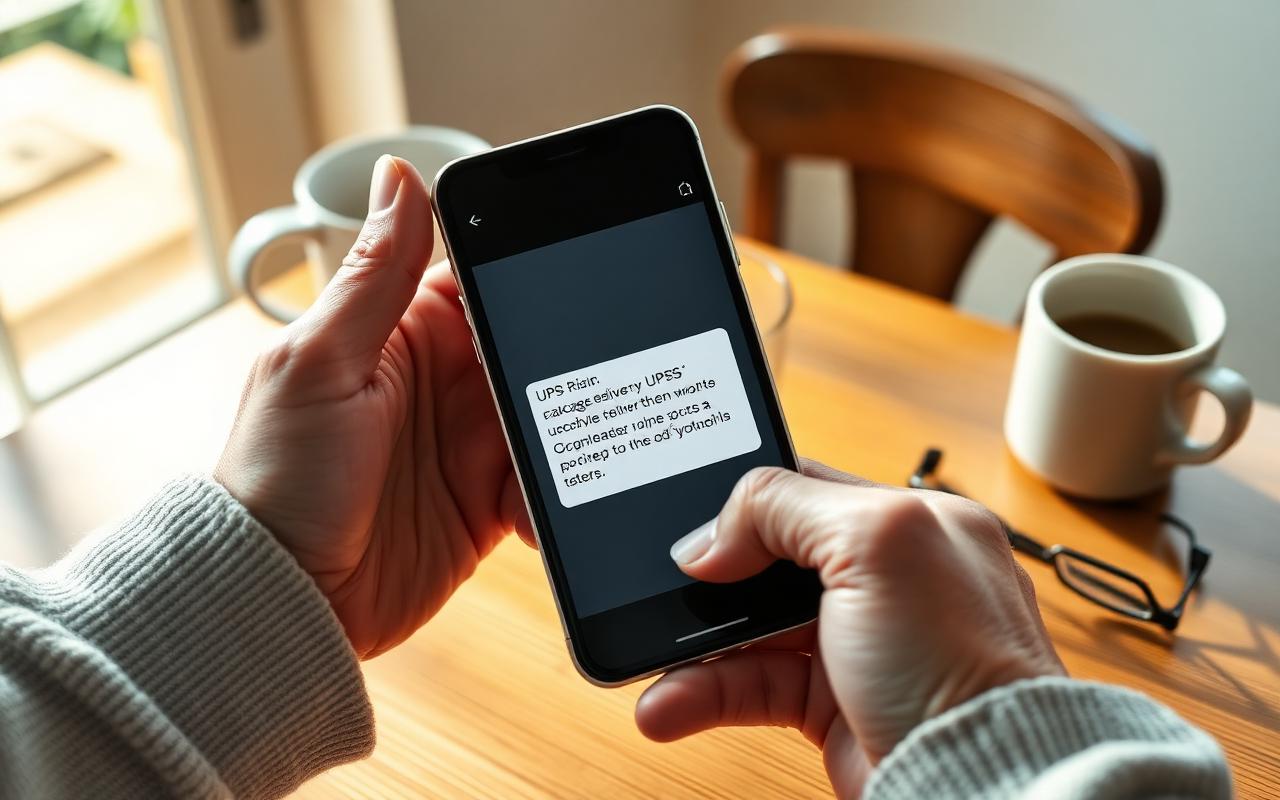
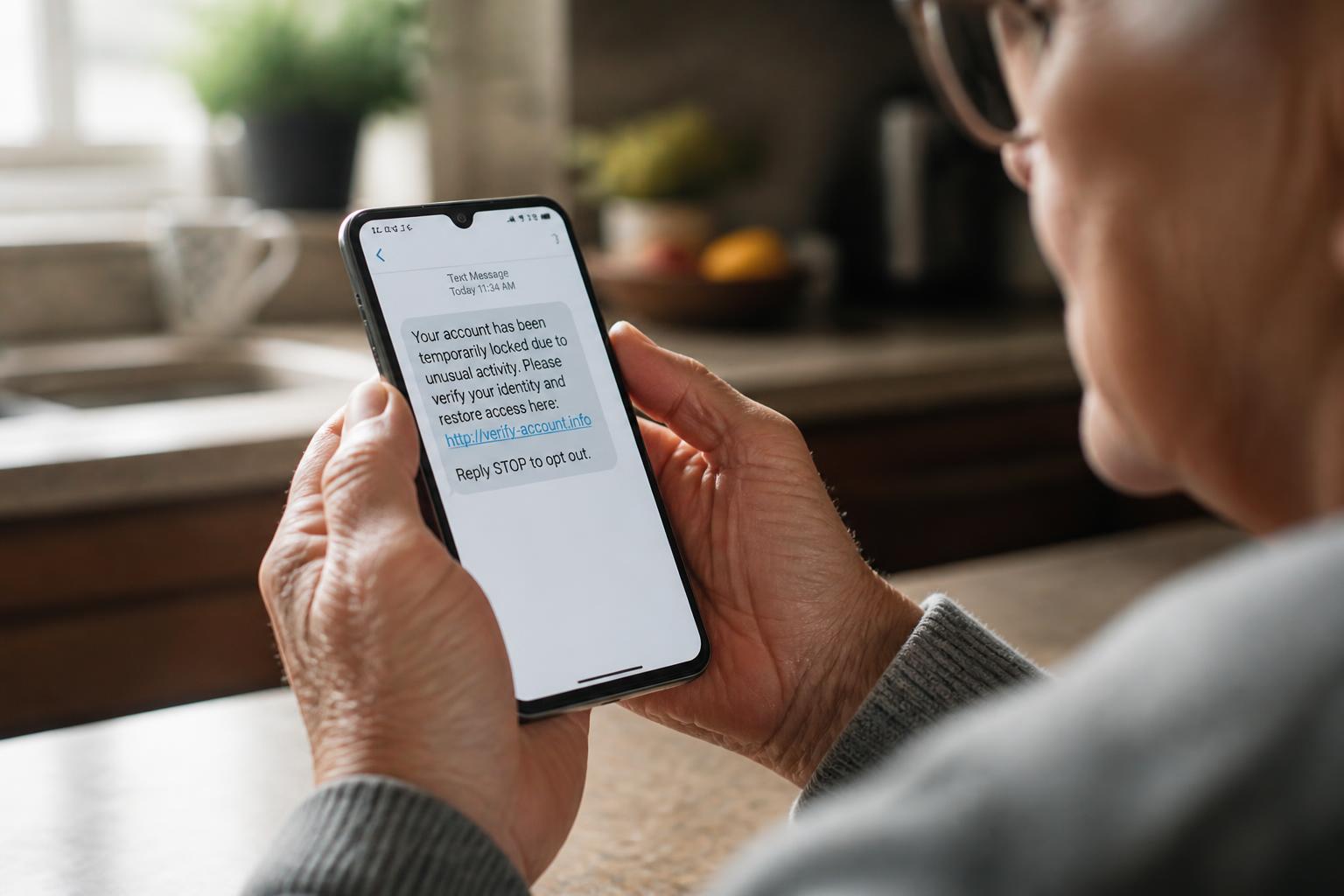
You get a text: 'FedEx: Your package with tracking #FX8829-XX has been held due to an incomplete address. Please confirm within 24 hours to avoid return: hxxps://fedex-redelivery[.]info/track.' It looks legitimate. There's a real-looking tracking number. It's the week before Christmas and you ARE expecting a gift from your daughter. So you tap the link.
Ninety seconds later, you have entered your address, your credit card 'for the $1.99 redelivery fee,' and — because the site 'timed out' — you entered them a second time. By tomorrow morning, that card has three $499 charges at Target, Best Buy, and an online electronics store in New Jersey. Welcome to the FedEx text scam, one of the fastest-growing frauds in America and the #1 phishing template used against U.S. retirees in 2026.
This guide walks through exactly how the scam works, the 10 red flags that give away every fake FedEx text, what happens when you click, and — if you already clicked or paid — the step-by-step recovery plan that gives you the best chance of getting your money back.
What is the FedEx scam text?
The FedEx scam text — also called FedEx smishing (SMS + phishing) — is a fake delivery notification sent by criminals impersonating FedEx. The message claims your package can't be delivered, is being held, needs an address update, or requires a small fee. The link in the message leads to a fake FedEx-branded website that steals your credit card, your Apple ID or Google password, or installs malware on your phone.
In 2024, the FTC logged text scams as the #2 reported fraud in the United States, with delivery-notification scams (FedEx, UPS, USPS, DHL, Amazon) making up nearly half of all reports. FedEx branding is used more than any other courier because it looks more 'business-legitimate' than UPS, and because FedEx has hundreds of real domains (fedex.com, fedexoffice.com, fedex.ca, tnt.com), which makes it easy for scammers to spin up plausible-looking fakes.
10 red flags in every FedEx scam text
- The link is NOT fedex.com. Real FedEx links only end in fedex.com or track.fedex.com. Anything else — fedex-redelivery.info, fedex.help, fedex-us.co, fedx-tracking.com, fedex.package-update.net — is fake, 100% of the time.
- It asks for a fee (usually $1.99, $2.99, or $3.30). FedEx redelivery is always free. Any request for money over text is a scam.
- It asks you to 'confirm' your address, phone number, or credit card. FedEx already has the address the shipper gave them and never re-collects it by text.
- It creates urgency: '24 hours or your package is returned,' 'final notice,' 'immediate action required.'
- The tracking number is short, oddly formatted, or missing. Real FedEx tracking numbers are 12 or 15 digits with no dashes or letters mixed in.
- The sender is a personal-looking phone number (not a 5–6 digit short code). Real FedEx notifications come from short codes like 46339, 48773, or 902580 — not from a '+1 (267) 555-…' cell number.
- The message came from an email address, not a phone number. Scammers spoof by texting through email gateways (someone@vtext.com, someone@txt.att.net).
- There are typos, weird spacing, or foreign punctuation ('Kindly confirm,' 'Do the needful,' 'in-complete address').
- The link uses a URL shortener (bit.ly, tinyurl, t.ly, is.gd). FedEx never uses shorteners.
- You weren't expecting a package — or the package described doesn't match anything you ordered.
The 5 most common FedEx text scam scripts in 2026
1. The 'incomplete address' scam
'FedEx: Your package could not be delivered due to an incomplete address. Please update: hxxps://fedex-us[.]info/update' — the fake site asks for full name, address, phone, and often a $1.99 'address correction fee' paid by credit card. The real theft is the credit card, not the $1.99.
2. The 'small redelivery fee' scam
'FedEx: A small $2.99 fee is required to reschedule your delivery.' Same playbook. The tiny fee makes it feel plausible — nobody scams you for $2.99, right? — but the moment you enter the card, it's used for hundreds of test charges within minutes.
3. The 'package held at facility' scam
'Your parcel is held at our facility due to customs issues. Confirm identity to release.' The link leads to a fake FedEx 'identity verification' form that asks for driver's license number, Social Security number, and date of birth — the exact ingredients criminals need to open credit cards in your name.
4. The 'Apple ID / Google verification' scam
This one is more advanced. After you enter your card, the fake site pretends to fail and pops up an 'Apple ID sign-in' or 'Google sign-in' page to 'verify your identity.' Real FedEx never asks for Apple or Google logins. If you enter yours, criminals immediately factor-reset your phone, lock you out, and drain any linked Apple Pay or Google Pay cards.
5. The 'app / tracking app' download scam
'For faster tracking, install the FedEx tracking app: [link].' The link installs a malicious Android APK (Android only) that can read your text messages, intercept 2FA codes, and empty your bank account by draining Zelle, Cash App, or Venmo. iPhone users see a 'certificate install' prompt instead — always cancel.
What actually happens when you click
- The link forwards through 2–4 redirects to hide the real destination from spam filters.
- You land on a pixel-perfect fake FedEx page with the correct FedEx logo, colors, and font. The URL is almost right but wrong (fedex-us.co, fedx.com, fedex.help).
- You enter your address and see a 'delivery fee: $1.99' prompt.
- You enter your credit card number, expiration, CVV, and ZIP code.
- The site 'fails' and asks you to try again. This is intentional — some scams collect a second card the same way.
- Within 5–90 minutes, the card is tested with a $1 charge and, if approved, run for hundreds of dollars at online retailers.
- If the site also asked for your Apple ID or Google password, an account takeover starts within an hour: password change, phone lockout, 2FA disabled, iCloud photos scraped for more sensitive info.
'I already clicked the link — what do I do?'
Move fast. The first 24 hours are the difference between a small mess and a drained account. Do these in order:
- STOP. Close the browser tab. Do not enter anything else. Do not tap 'Try again.' Do not download any app or install any certificate.
- If you did NOT enter anything: change your phone's Apple ID or Google password from a different device and turn on two-factor authentication. Delete the text.
- If you entered a credit or debit card: call the number on the back of the card and freeze it immediately. Ask for a new card number. Watch statements for 60 days.
- If you entered your Apple ID or Google password: from a trusted device, change the password NOW and revoke all 'signed-in devices' you don't recognize. Turn on 2FA.
- If you entered your Social Security number or driver's license: place a free credit freeze at all three bureaus — Equifax (equifax.com/personal/credit-report-services), Experian (experian.com/freeze), and TransUnion (transunion.com/credit-freeze). Also freeze at Innovis and ChexSystems.
- If you downloaded an app or installed a certificate on Android: turn on airplane mode, back up photos to a computer via USB, then factory-reset the phone. On iPhone: Settings → General → VPN & Device Management → remove the profile.
- Report to the FTC at ReportFraud.ftc.gov and forward the original text to 7726 (SPAM) and to abuse@fedex.com.
- If money was lost, file with the FBI at IC3.gov and file a police report — some banks require the police report before they'll refund fraud losses over $500.
How to spot a real FedEx text vs. a fake
- Real FedEx sender: 5–6 digit short code (46339, 48773, 902580). Fake: a full 10-digit phone number or an email address.
- Real link: fedex.com or track.fedex.com. Fake: anything else, even if 'fedex' is somewhere in the URL.
- Real content: tracking status only. No fee requests, no address updates, no credit card, no login prompts.
- Real timing: only if you or the shipper signed up for FedEx Delivery Manager alerts on that specific tracking number.
- Real language: neutral American English, no urgency, no 'do the needful,' no 'kindly.'
How to block FedEx scam texts on your phone
iPhone
- Open the scam text. Tap the sender name at the top. Tap 'Info' → 'Block this Caller.'
- Turn on Settings → Messages → Filter Unknown Senders. Real texts from strangers go to a separate list.
- Report the text: press and hold the message → 'Report Junk.'
- Forward the text to 7726 (SPAM) so your carrier can block the source for everyone.
Android
- Long-press the message → tap 'Block' and 'Report spam.'
- In Google Messages: Settings → Spam protection → turn ON.
- Forward the text to 7726 (SPAM).
- For advanced protection, install Google Play Protect scanning and never install apps from a text link — only from the Play Store.
The one rule that stops 95% of delivery scams
Never trust a link inside a text message. Ever. If a text says something needs your attention — a package, a bank alert, a Medicare claim, a Social Security payment — close the text, open the real company's official app or website by typing it yourself, and check for the same message there. Real companies always keep the same information in your account. Scammers only exist inside the link.
What Safe Retire Watch does about this
Every week we send our members plain-English alerts the moment a new FedEx (or USPS, Amazon, PayPal, Bank of America, Chase, Capital One) text template starts hitting U.S. phones — so you know the exact wording BEFORE it lands on yours. If you already got a suspicious text, paste it into our free AI Scam Check tool and get an instant plain-English verdict in under 5 seconds. Both tools are built specifically for retirees — no jargon, no tech-speak, no shame.
Frequently asked questions
- Is FedEx ever going to text me about a delivery?
- FedEx does send text messages — but ONLY if you (or the shipper) signed up for FedEx Delivery Manager notifications for that specific tracking number. A real FedEx text will (1) include the last 4 digits of a real 12-digit FedEx tracking number, (2) link only to fedex.com or track.fedex.com, and (3) never ask for a fee, a credit card, your Social Security number, your Apple ID, or your Google password. FedEx will NEVER text you saying you owe $1.99, $2.99, or any fee to reschedule delivery — redelivery is always free. If the text asks for money or personal info, it is 100% a scam. When in doubt, close the text, open FedEx.com directly in your browser, and paste in your tracking number.
- What happens if I clicked the link in a FedEx scam text?
- It depends on what you did next. If you only tapped the link but closed the page without entering anything, you are most likely fine — but change your phone's Apple ID or Google password from a different device and run a security scan just in case. If you entered your credit card number, address, or Apple/Google password: (1) call your bank/card issuer NOW and freeze the card, (2) change your Apple ID or Google password immediately from a trusted device, (3) turn on two-factor authentication, (4) file a report at ReportFraud.ftc.gov, and (5) forward the original text to 7726 (SPAM) so your carrier can block the sender. If you downloaded anything or the page installed an 'app' or 'certificate' — that is malware or a mobile management profile. Turn on airplane mode, factor-reset the phone (Android: Settings → System → Reset; iPhone: rare, but Settings → General → VPN & Device Management to remove the profile first), then restore only from a backup made before you clicked.
- Why did I get a FedEx text if I'm not expecting a package?
- Because scammers are not targeting you personally — they blast millions of random U.S. phone numbers hoping some percentage happens to be waiting on a real FedEx delivery that day. Around the holidays, that percentage jumps to almost 40%, which is why FedEx smishing spikes every November and December. Your number was likely bought on the dark web from an old data breach (T-Mobile, Experian, LinkedIn, MyHeritage, etc.) — you didn't 'give it out.' Delete the text, forward it to 7726, and move on. Do not reply STOP: replying just confirms your number is active and gets you added to a higher-value 'confirmed victim' list.
- How much have seniors lost to FedEx and delivery text scams?
- The FBI's 2024 Internet Crime Report puts smishing (text scam) losses at over $470 million in the U.S., with seniors 60+ making up nearly 40% of victims. Individual FedEx-branded scam losses average $800–$3,200 per victim when the criminal harvests a credit card, but a full account takeover (Apple ID, Google, or bank login stolen) can drain $10,000–$50,000 in savings and lock the victim out of email and photos for weeks. The FTC says U.S. consumers reported over $330 million lost to text scams in 2024 alone — a 5x increase from 2019.
- How do I report a FedEx scam text?
- Three quick actions, in this order: (1) FORWARD the text to 7726 (which spells SPAM on any U.S. phone). This is free on AT&T, Verizon, T-Mobile, and every major U.S. carrier — it feeds the sender number straight to spam-filtering databases. (2) Forward the text to FedEx at abuse@fedex.com — FedEx confirms it uses these reports to shut down fake domains. (3) Report it to the FTC at ReportFraud.ftc.gov and, if you lost money, to the FBI at IC3.gov. Then delete the text. Do NOT click the link, do NOT reply, do NOT call any phone number in the message.
- Will FedEx ever ask for a redelivery fee?
- No. FedEx redelivery is always free. FedEx will also never charge a 'customs fee,' 'address correction fee,' 'storage fee,' or 'attempted delivery fee' by text message. Any real duty, tax, or customs charge on an international package is collected by the sender or paid at the door on delivery — not through a text link. If a message asks for even $0.99 to 'release your package,' it is a scam, 100% of the time.
Paste a suspicious text or email — instant AI verdict.
Paste any URL before you click — free phishing check.
Stay informed with Safe Retire Watch
Essential starts at $12/month with weekly email scam alerts, the full alert library, and printable safety checklists. Protect is $25/month with real-time email and SMS alerts, Emergency Action Guides, and priority email support. Family Shield is $49/month for up to four family members. 30-day money-back guarantee.
- Encrypted, secure connection
- Payments processed by Stripe
- 30-day money-back guarantee
- Cancel anytime, no fees