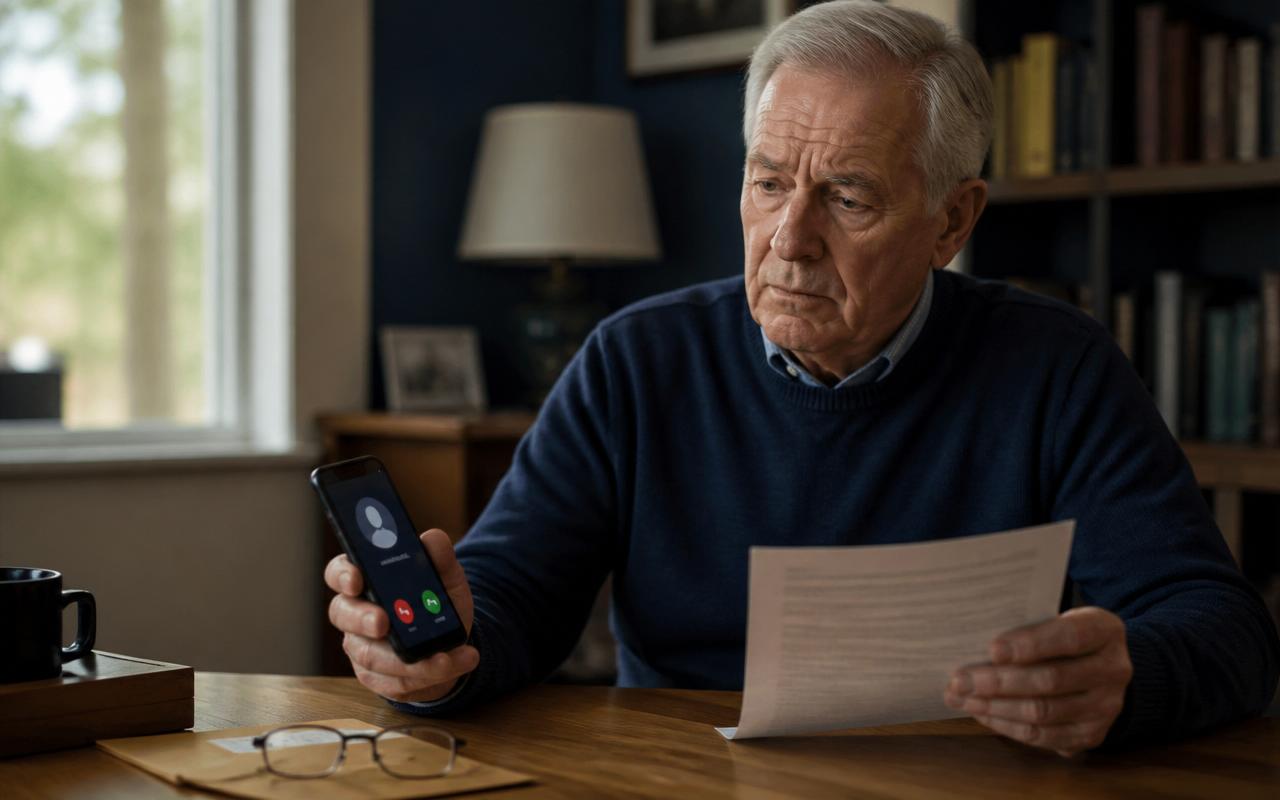
The $0 Bank Account Test: How Scammers Trick Retirees Into Revealing Their Savings
A fake $0 bank test can trick retirees into revealing balances, codes, and account access. Learn the warning signs, safe responses, and urgent next steps.
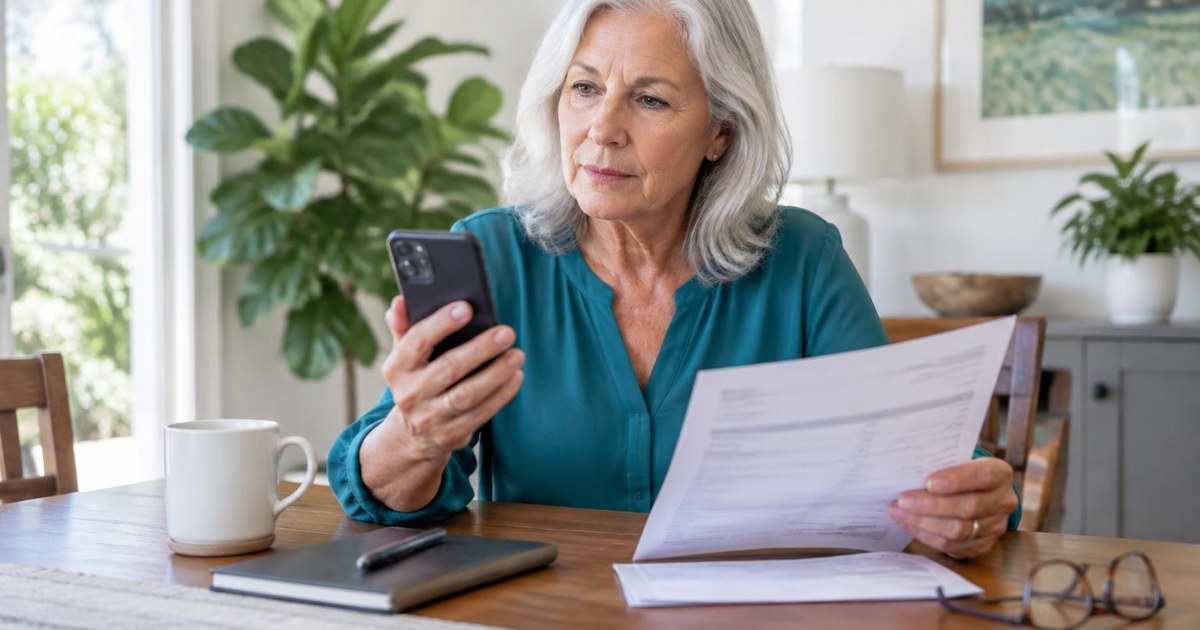
The phone rings. The caller sounds calm, knows your bank's name, and says a suspicious charge was blocked. To make sure your account is secure, they want to run a quick $0 test. Nothing will be taken, they promise. They only need you to confirm a code, read your available balance, or approve a harmless test transaction.
That small request can open the door to your savings. In this guide, the $0 bank account test is our editorial name for a warning pattern used to make a dangerous request feel risk-free. It is not an official bank procedure or an established scam name in the sources below. The examples are illustrative; the documented underlying threats are bank impersonation, stolen verification codes, remote-access fraud, and pressure to move savings.
How does the $0 bank account test scam work?
The scam depends on making one step seem tiny. A criminal does not begin by demanding your life savings. They create alarm, then offer an easy fix: confirm something, test something, or verify something. Each small yes makes the next request feel normal.
- The setup: a call, text, email, or pop-up warns of fraud, a hacked account, a refund, or a frozen card.
- The trust builder: the scammer may know your name, bank, address, or the last digits of a card. Caller ID may also be faked.
- The $0 test: you are told a check costs nothing and only confirms that the account is working or protected.
- The reveal: you are pressured to read a balance, verification code, account details, or login information, or to install access software.
- The takeover: the scammer uses that information to access the account, add a payee, approve a transfer, or plan the next story.
- The safe-account trap: you may be told to move savings to a supposedly protected account, buy gold, withdraw cash, or use crypto.
Why do scammers ask about your balance?
Your balance may tell a criminal how much money to target and help them tailor a demand. It may also help them sound believable later. Someone who learns that you have substantial retirement savings can invent a story about investigators, frozen accounts, taxes, or a court order tailored to that information. Knowing a balance does not itself grant access to the account.
A request to read your balance aloud may sound harmless because you are not sending money. But it gives a stranger valuable information. Treat balances, account numbers, verification codes, and online banking access as private.
The FBI's Phantom Hacker warning describes impostors persuading victims to install remote-access software and open financial accounts so the criminals can identify accounts to target. The scheme may progress from fake tech support to a fake bank representative and then a fake government official. Several voices do not mean several independent confirmations: they may all be part of the same fraud.
Is a real $0 card authorization the same as this scam?
No. A zero-dollar card authorization can be a legitimate payment-card verification process. Visa explains zero-amount account verification as a way for a merchant to check whether a card account is valid with the issuer. It is not the same as depositing money into your checking account, and it does not give a stranger your savings balance.
Likewise, a legitimate service you chose may use small deposits to verify a linked bank account. That is different from an unexpected caller asking you to reveal balances or read a login code. A small amount, a pending authorization, or a $0 entry alone does not prove fraud. The warning is the unsolicited request and what you are being asked to do.
- You initiated it: review the verification instructions inside the genuine app or website of the service you chose. If anything is unexpected, pause and contact the service independently.
- Someone contacted you first: do not use their link, open your account for them, or tell them a code. Contact your financial institution yourself.
- An unfamiliar $0 entry appears: ask your card issuer to identify it. Do not assume it is harmless or criminal solely because of the amount.
8 warning signs of a fake bank test
- The contact was unexpected and immediately creates fear about fraud, arrest, taxes, or frozen money.
- You are asked for a one-time verification code. The FTC says this is always a scam when a caller requests it.
- The person wants your full balance, password, PIN, or answers to security questions.
- They promise the test costs $0, so there is no risk.
- They ask you to install an app or let them see or control your screen.
- They tell you to stay on the line while you go to the bank or open your banking app.
- They want you to move money to protect it. The FTC says anyone requesting this is a scammer.
- They tell you to keep the call secret or lie to bank staff or family.
What does a real bank fraud alert look like?
Banks may contact customers about suspicious activity, so a call or text is not automatically fake. The safest habit is to end the unexpected conversation and start a new one yourself. Use a phone number from your card, statement, or official app, not from the message or caller.
Your bank already holds information about your accounts; an incoming caller's demand for your exact savings total is not independent proof that they work there. Names, partial card numbers, bank branding, and caller ID are also not proof. The CFPB advises contacting your bank through independently obtained details instead of responding to an account-verification email.
When you initiate contact through the bank's verified channel, it may have legitimate identity checks. That does not make an unexpected caller's request safe. Read any message accompanying a code: if it says the code authorizes a login or transaction, or warns not to share it, do not reinterpret it as a harmless test because someone on the phone says so.
Example: how the conversation can unfold
This is an illustrative example. A caller says your debit card was used for a large online purchase. They offer to block it and run a $0 test. You receive a code by text, and the caller asks you to read it back. That code may actually approve a login, password reset, new device, or payee for the criminal.
The caller then says hackers can see your accounts and urges you to move savings to a new safe account. The FTC explains that in these stories the scammer controls the new account or arranges to collect cash, gold, or crypto.
What information creates which risks?
- Balance only: this reveals your financial position and may help a scammer tailor pressure. It is not the same as giving them the ability to withdraw. Tell your bank if the conversation included other suspicious requests.
- Account and routing numbers: these identify an account and can be misused in some circumstances. Ask your bank what monitoring or account changes are appropriate; do not assume a password change alone addresses the exposure.
- Password, PIN, or security answers: these can help an impostor authenticate or take over access. Secure the affected account promptly through the actual institution.
- One-time code or approval notification: this may complete a login, reset, device enrollment, or payment. Tell the bank exactly what the message said and what you approved.
- Remote access or screen sharing: a criminal may see balances, capture information, or interfere with transactions. Stop banking on that device until it has been checked; use a different trusted device to contact the institution.
- A transfer you approved: money may already be moving even if you believed it was a test. Call the sending institution immediately and ask whether it can stop or recall the transaction.
How can retirees protect their savings?
- Make a household rule: never discuss balances, codes, passwords, or transfers on an incoming call.
- Save your bank's official fraud number from your card or statement in your phone contacts.
- Turn on account alerts in your bank's official app for logins, payees, transfers, and withdrawals.
- Use a unique password and multifactor authentication on banking and email accounts.
- Never let an unexpected caller install software or view your screen.
- Choose a trusted person you will call before making any urgent money decision.
- Review statements and online activity regularly, and report anything unfamiliar promptly.
What should you do if you already shared information?
- Stop contact with the scammer and do not follow more instructions.
- Call your bank or financial institution using an official number. Explain what you shared and ask it to secure access and review pending activity.
- Change your banking and email passwords from a trusted device. Remove unknown devices, payees, or access apps if your bank advises it.
- Write down dates, phone numbers, names, amounts, and what was said. Keep screenshots and messages.
- Report it at ReportFraud.ftc.gov. For online or cyber-enabled fraud, also report at IC3.gov.
- If you are 60 or older, call the National Elder Fraud Hotline at 1-833-372-8311 for help with reporting.
Recovery is not guaranteed, so speed matters. The FTC's scam recovery guide explains steps based on how money was paid. Be wary of anyone promising to recover your money for a fee; that can be another scam.
Will the bank reimburse you if you were tricked?
Do not assume every scam loss is automatically reimbursed, and do not assume every claim will be rejected. Your rights and options depend on the payment method, what happened, how quickly you report it, and applicable rules. Describe the facts accurately: who initiated the transfer, what credentials were exposed, and what you did or did not authorize. Ask for a case number, written instructions, and the bank's dispute process.
If retirement money was withdrawn, contact the retirement provider too. A distribution can have separate tax consequences, so consult a qualified tax professional instead of assuming a fraud report cancels a tax bill. Neither an AI check nor a scam-alert membership can reverse a payment or guarantee reimbursement.
How can adult children help without taking away independence?
Start with a shared rule rather than a lecture: 'Neither of us will move money or give a code because of an incoming call.' Agree on a person to call when something feels urgent. Keep official bank numbers easy to find, and practice ending a suspicious call. Make it clear that asking for help is welcome, even after a mistake.
If a parent receives a frightening message, avoid blaming them. Ask what was shared, whether anything was installed, and whether money moved. Help them contact the bank through its official channel, but do not ask them to give you their passwords or forward security codes. For longer-term planning, ask their financial institution about appropriate trusted-contact arrangements; a trusted contact is not automatically an account owner or someone authorized to withdraw.
A one-minute checklist to keep near the phone
- I will not share balances, codes, passwords, or PINs on an incoming call.
- I will not install software or share my screen for a caller.
- I will never move money to protect it.
- I will hang up and call the number on my card or statement.
- I will talk with someone I trust before acting under pressure.
Want help spotting the next version of this scam? Use our free Scam Check to review a suspicious message (a free account is required), read our guide to retirement account fraud, or compare Safe Retire Watch plans. Remove account numbers, passwords, PINs, balances, and security codes before submitting a message. If funds are at risk now, call the bank first.
Stay a step ahead with Safe Retire Watch
Scammers change their stories. A $0 test today may become a refund check, an account freeze, or a fake investigator tomorrow. Safe Retire Watch helps retirees and families recognize warning patterns with plain-English scam alerts and practical guidance—not promises that a stranger's claim is safe.
- Essential — $12/month: weekly email scam alerts, full alert-library access, and printable safety checklists.
- Protect — $25/month: Essential features plus real-time email and SMS alerts, Emergency Action Guides, priority email support, and members-only AI Scam Shield checks.
- Family Shield — $49/month: Protect features for up to four family members, with a shared family alert inbox and family dashboard.
For ongoing alerts and help reviewing suspicious messages, choose Protect. For parents, a spouse, or a wider household, compare Family Shield. Paid subscriptions renew monthly; cancel anytime. All plans include a 30-day money-back guarantee. Use the secure checkout below, or start with the free email digest if you are not ready for a membership.
Safe Retire Watch is an educational service, not your bank, an investment adviser, insurance, account monitoring, or a fund-recovery service. AI checks can be wrong and cannot guarantee protection. Never share financial credentials or security codes with an AI tool. Always verify account activity with your financial institution.
Frequently asked questions
- What is the $0 bank account test scam?
- It is a Safe Retire Watch name for a warning pattern, not an official bank procedure. A caller or message claims a harmless check involving $0, a tiny amount, or a confirmation is needed. The real goal is to get you to reveal balances, login details, verification codes, device access, or approval for a transfer.
- Will my bank ask me to confirm my balance or a verification code?
- Do not provide either to someone who contacted you unexpectedly. The FTC says no caller, including someone from a bank fraud department, will ask for a verification code. Hang up and contact the bank using the number on your card, statement, or official app.
- Is my money safer if I move it to a protected account?
- No. The FTC says anyone who tells you to move money to protect it is a scammer. Leave the money where it is and independently contact your bank, broker, or retirement provider.
- What should I do if I shared bank information?
- Call your financial institution right away using an official number. Ask it to secure online access, review pending activity, and stop transfers where possible. Change passwords from a trusted device, then report the scam to ReportFraud.ftc.gov and IC3.gov. Adults 60 and older can call 1-833-372-8311.
- Can someone steal money with only my bank account number?
- Possibly in some situations, so treat account details as sensitive and review statements regularly. The greater danger is combining account details with passwords, verification codes, remote access, or your approval. Report unfamiliar activity to your bank immediately.
Trusted sources and further reading
- FBI / Internet Crime Complaint Center: The Phantom Hacker Scam
- Consumer Financial Protection Bureau: An email asks me to verify my bank account information. What should I do?
- Visa: Account Verification: Zero-Amount Authorization Messages
- Federal Trade Commission: Never move your money to “protect it.” That’s a scam
- Federal Trade Commission: Got a call about fraud activity on your bank account? It could be a scammer
- Federal Trade Commission: Did someone tell you to move or transfer your money? It could be a scam
- Federal Trade Commission: What To Do if You Were Scammed
- FBI: Internet Crime Complaint Center
- U.S. Department of Justice / Office for Victims of Crime: National Elder Fraud Hotline
Paste a suspicious text or email — instant AI verdict.
Paste any URL before you click — free phishing check.
Stay informed with Safe Retire Watch
Essential starts at $12/month with weekly email scam alerts, the full alert library, and printable safety checklists. Protect is $25/month with real-time email and SMS alerts, Emergency Action Guides, and priority email support. Family Shield is $49/month for up to four family members. 30-day money-back guarantee.
- Encrypted, secure connection
- Payments processed by Stripe
- 30-day money-back guarantee
- Cancel anytime, no fees