Microsoft Scam Email in 2026: How to Spot the Fake Alert
Got a Microsoft security alert or Microsoft 365 renewal invoice? Check it at account.microsoft.com, never call the number. 8 red flags and what to do if you clicked.

What is the Microsoft scam email?
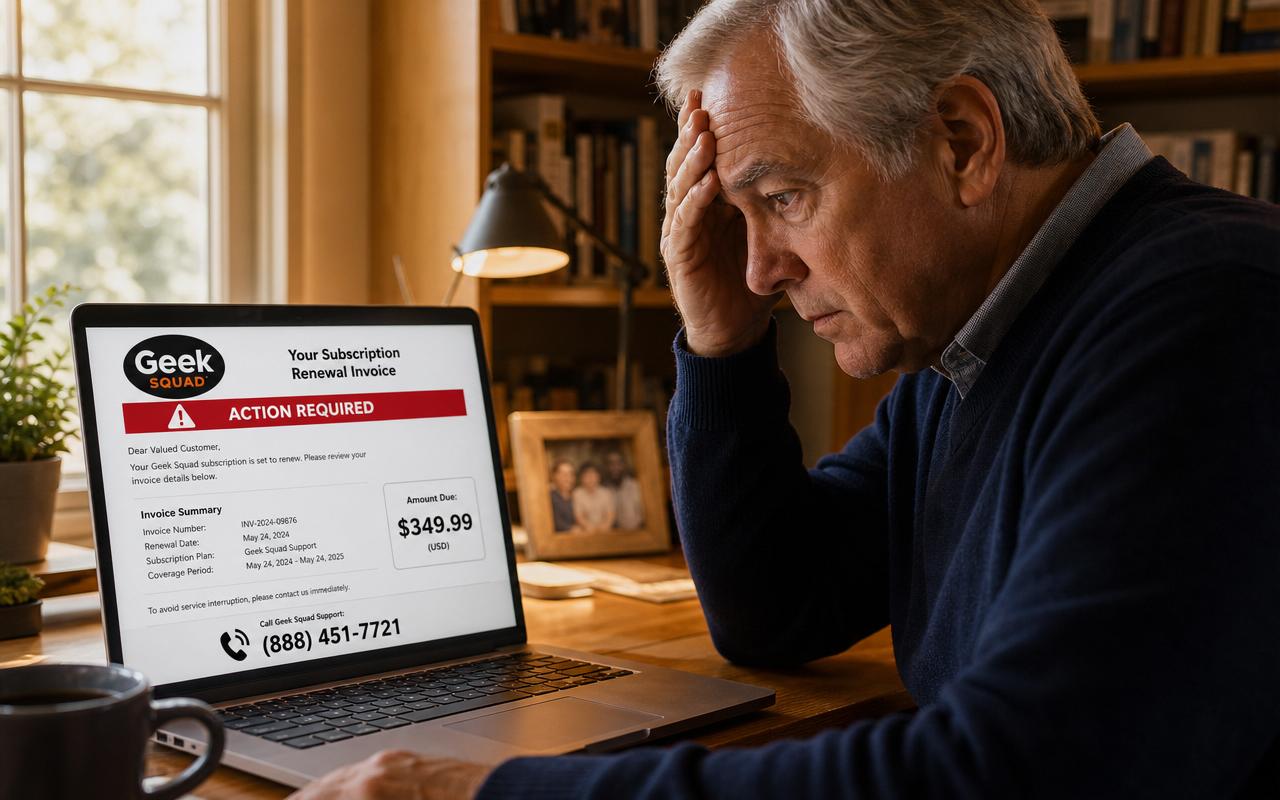
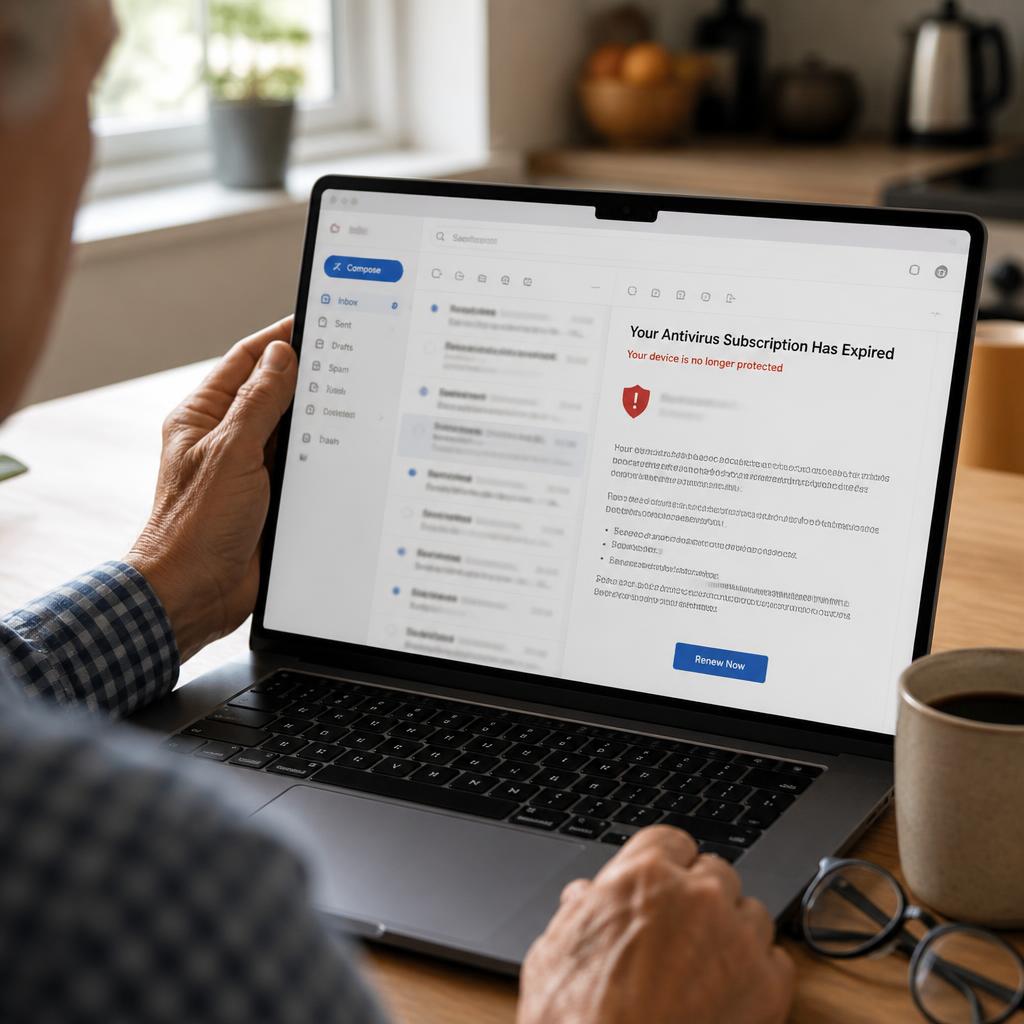
The Microsoft scam email is a phishing message designed to look like it came from Microsoft's account or billing team. It arrives in one of two shapes. The first is the security alert: 'Unusual sign-in activity was detected on your Microsoft account from Lagos, Nigeria. If this was not you, your account will be suspended within 24 hours.' The second is the invoice: a tidy receipt for 'Microsoft 365 Advanced Protection' or 'Microsoft Defender Pro' at $399.99, renewing tomorrow, with a phone number in bold at the bottom.
Both versions do the same job. They create a deadline, then hand you a single way out — a link that harvests your password, or a phone number that connects you to a call center. Microsoft is the most-imitated brand in phishing worldwide, accounting for roughly a quarter of all brand-impersonation attacks tracked by security researchers, and adults over 60 lose more money per incident to tech-brand impersonation than any other age group, according to the FBI's Internet Crime Complaint Center.
The two versions you will actually receive
1. The account security alert
A stark white email with the four-square Microsoft logo, a headline like 'Microsoft account unusual sign-in activity,' a country you have never visited, an IP address, and a blue 'Review recent activity' button. The button does not go to Microsoft. It goes to a copy of the Microsoft sign-in page hosted on a domain the scammer registered last week. The page is pixel-accurate. When you type your email and password, the site stores them and then forwards you to the real Microsoft site so the login appears to have 'worked' — you notice nothing, and the scammer is already inside your mailbox.
2. The subscription renewal invoice
An invoice-styled email with an order number, a plan name that does not exist, a renewal date one or two days away, and a total between $299.99 and $649.99. There is no link to cancel — only a phone number and a line reading 'Refund requests received after 24 hours cannot be processed.' The missing cancel link is intentional. The entire design of this email is to get you on the telephone, where a trained human can steer you far better than any web page could.
The eight red flags in every Microsoft phishing email
- A phone number to call. Microsoft never puts a consumer support number in an email. This single tell identifies the scam more reliably than anything else.
- A sender address that is not a microsoft.com domain. Look past the display name — anyone can type 'Microsoft Account Team' — and read the actual address in angle brackets.
- A generic greeting: 'Dear Customer,' 'Dear User,' 'Hello Valued Member.' Real Microsoft email uses the name on your account.
- A deadline measured in hours. 'Within 24 hours,' 'today only,' 'non-refundable after tomorrow.' Urgency is the engine of every scam.
- A price that does not exist. Microsoft 365 Personal is about $99.99 a year; Family is about $129.99. Windows Defender is free. A $399 Microsoft invoice is fiction.
- An attachment. Microsoft does not email PDF or HTML invoices for consumer subscriptions. Attachments in these emails carry malware or open a local fake login page.
- Small errors in tone or grammar. Missing articles, odd capitalisation of Words Mid-Sentence, or a currency symbol in the wrong place.
- A link whose real destination is not microsoft.com. Hover your mouse over any link without clicking and read the address that appears in the corner of your screen.
If you are not certain, you can paste the message into our free AI Scam Email Explainer and get a plain-English verdict in about ten seconds — it explains which specific lines in the email are the manipulation, not just whether it is safe.
What a real Microsoft email looks like
- It comes from @microsoft.com, @accountprotection.microsoft.com, @email.microsoft.com or @microsoftstore.com.
- It greets you by the name on your account.
- It states a fact rather than issuing a command: 'A new sign-in to your account,' not 'Act now or lose access.'
- It contains no phone number and no attachment.
- Every link resolves to a microsoft.com address.
- For real billing, the charge already appears at account.microsoft.com under Payment & billing before the email arrives.
The phone script, step by step
If you call, the person who answers is calm, apologetic and professional — nothing like the caricature of a scammer. Understanding the four stages in advance is what lets people hang up in the middle of them.
- Verification. They ask for your name, email and the last four digits of a card 'to locate the order.' This builds the feeling of a legitimate transaction and gives them details to use later.
- Diagnosis. They say your device is compromised or the charge came from a fraudulent device, and that they must connect to your computer to remove it or to release the refund.
- Remote access. They walk you through installing AnyDesk, UltraViewer or TeamViewer. The moment it connects, they can see and control everything, including your saved passwords and open banking session.
- The reversal. They open your bank site, move money between your own accounts so it looks like they deposited $30,000 instead of $300, then panic and ask you to return the overpayment in gift cards, a wire or cash. The deposit is not real. The money you send is.
The 24-hour recovery plan
- Disconnect the computer from the internet — unplug the cable or switch off Wi-Fi. Leave it powered on for a technician.
- From a different device, change your Microsoft password at account.microsoft.com, enable two-step verification, and use Sign out everywhere.
- Check Outlook settings for forwarding rules, alternate emails or app passwords the scammer added, and remove anything you did not create.
- Change passwords on your bank, brokerage, email and any account you opened during the call.
- Call your bank and every card issuer. Freeze the cards, review 30 days of activity, and open fraud claims on anything unauthorised.
- Freeze your credit at Equifax, Experian and TransUnion. It is free and takes about five minutes each.
- Have the computer professionally wiped and reinstalled. Removing the remote-access app is not enough.
- File reports at reportfraud.ftc.gov, and at ic3.gov if any money moved. Forward the original email to reportphishing@microsoft.com.
How to stop these emails reaching you
- Turn on two-step verification for your Microsoft account so a stolen password alone is useless.
- Use your mail app's Report phishing button rather than simple delete — it trains the filter for you and for others.
- Never reply and never click unsubscribe inside a suspicious email; both confirm your address is live.
- Ask your provider to raise spam filtering: Outlook.com has Junk email settings, Gmail has filters that route lookalike domains to spam.
- Consider a separate email address for shopping and newsletters, keeping your main address for family and banking only.
- Agree a rule with your family: no financial decision made inside a 24-hour deadline. Every scam depends on that deadline; the rule dismantles all of them at once.
Where to report a Microsoft scam email
- Microsoft: forward the message to reportphishing@microsoft.com, or use Report > Phishing inside Outlook.
- FTC: reportfraud.ftc.gov — the U.S. government's central fraud database.
- FBI IC3: ic3.gov — file here if any money or account access was lost.
- Your state Attorney General's consumer protection office, which tracks scams operating locally.
- Anti-Phishing Working Group: forward the email to reportphishing@apwg.org so the fake site can be taken down faster.
The bottom line
A Microsoft scam email works by making you feel that something valuable is being taken away right now and that only the phone number or button in front of you can stop it. Nothing in a real Microsoft message ever works that way. Close the email, open your browser, and type the address yourself. If account.microsoft.com looks normal, you are fine — and you have just defeated a scam that will take several hundred million dollars from Americans this year.
Frequently asked questions
- Is the Microsoft security alert email in my inbox real?
- Usually not. Microsoft does send genuine sign-in alerts, but a real one never contains a phone number to call, never threatens to close your account in 24 or 48 hours, and never attaches an invoice for a product you did not buy. The safest test takes ten seconds and never fails: ignore every link and button in the email, open your browser yourself, type account.microsoft.com in the address bar, and sign in. If there is a genuine security event or billing charge, it is listed there under Security and Payment & billing. If your account page shows nothing unusual, the email is a phishing scam — delete it and report it to reportphishing@microsoft.com and reportfraud.ftc.gov.
- What happens if I called the phone number in the Microsoft email?
- You reached a scam call center, not Microsoft. Microsoft does not staff inbound phone support for consumer accounts and will never put a support number in an email. The call script has three stages. First, a polite agent 'verifies' your account and says your device is infected or your subscription was fraudulently renewed. Second, they ask you to install remote-access software — AnyDesk, UltraViewer, TeamViewer or a link they type for you — to 'clean the infection' or 'process your refund.' That gives them full control of your computer. Third, they open your online banking, fake an over-refund of several thousand dollars, and beg you to send back the difference in gift cards, cash or a wire. The over-refund is an illusion created by moving your own money between your own accounts. If you got this far, go to the 24-hour recovery plan in this guide right now.
- How can I tell a fake Microsoft email from a real one?
- Check the sender domain first. Real Microsoft mail comes from addresses ending in @microsoft.com, @accountprotection.microsoft.com, @email.microsoft.com or @microsoftstore.com. Fakes come from Gmail or Outlook.com personal addresses, or lookalike domains such as microsoft-billing-support.co, ms-account-team.net or micros0ft.com with a zero. Then check four more things: real Microsoft emails address you by the name on your account rather than 'Dear Customer'; they never include a support phone number; they never attach a PDF or HTML invoice; and their links point to microsoft.com domains, which you can verify by hovering your mouse over the link and reading the address that appears at the bottom of the screen without clicking.
- Does Microsoft ever charge $399 or $499 for Microsoft 365?
- No. As of 2026, Microsoft 365 Personal is roughly $9.99 a month or $99.99 a year, and Microsoft 365 Family is roughly $12.99 a month or $129.99 a year. Windows Defender is built into Windows and is free — there is no paid 'Microsoft Defender Pro' renewal. Any email invoicing you $299.99, $349.99, $399.99 or $499.99 for a Microsoft product or a 'Windows Defender Advanced' plan is fabricated. The large number is deliberate: it is chosen to be shocking enough that you call the number before you think.
- I clicked the link and entered my Microsoft password. What now?
- Act in this order. First, from a different device if you can, go to account.microsoft.com and change your Microsoft password immediately, then turn on two-step verification. Second, in your account's Security page, choose Sign out everywhere so the scammer's session is killed. Third, check Recent activity for sign-ins you do not recognize, and check your Outlook settings for forwarding rules or new 'alternate email' addresses the scammer may have added — this is how they keep reading your mail after you change the password. Fourth, change the password on any other account that used the same password, especially your bank and your primary email. Fifth, report it at reportphishing@microsoft.com.
- Can I get my money back after a Microsoft email scam?
- Sometimes, and speed decides it. Credit card payments have the strongest protection — call the number on the back of your card, say the words 'this was fraud,' and most retirees are refunded within 30 to 60 days. Bank wires, ACH transfers and Zelle payments must be reported to your bank within 24 hours, while there is still a chance of recall. Gift cards have roughly a 3 percent recovery rate, but call the issuer's fraud line immediately because an unredeemed card can sometimes be frozen: Apple 1-800-275-2273, Google Play 1-855-836-3987, Target 1-800-544-2943, eBay 1-866-961-9253. Cryptocurrency and cash are effectively unrecoverable — but still file at ic3.gov, because funds are occasionally returned years later when an investigation closes.
- Should I reply to the email to tell them to stop?
- Never reply. A reply confirms that a real human reads that inbox, which makes your address more valuable and gets it resold to other scam operations. It also opens a conversation the scammer is trained to win. Do not reply, do not click 'unsubscribe' in a phishing email, and do not open attachments. Use your mail app's Report phishing or Report junk button, which both removes the message and teaches the filter, then delete it.
Paste a suspicious text or email — instant AI verdict.
Paste any URL before you click — free phishing check.
Stay informed with Safe Retire Watch
Essential starts at $12/month with weekly email scam alerts, the full alert library, and printable safety checklists. Protect is $25/month with real-time email and SMS alerts, Emergency Action Guides, and priority email support. Family Shield is $49/month for up to four family members. 30-day money-back guarantee.
- Encrypted, secure connection
- Payments processed by Stripe
- 30-day money-back guarantee
- Cancel anytime, no fees