20 Phishing Email Examples Every Retiree Should Know (2026)
Real phishing email examples retirees receive in 2026 — the exact subject lines, sender addresses and wording — plus a 10-second check that tells you if an email is fake.

Phishing is not a technical attack. It is a story told well enough that a careful person acts before they think. That is why real examples help more than general advice: once you have read the actual wording criminals use, the next one lands in your inbox already looking familiar — and slightly ridiculous.
Below are 20 phishing emails currently circulating to retirees in 2026, grouped by the story they tell, with the tell-tale details that give each one away. Nothing here requires any technical skill to use.
How to check any email in 10 seconds
- Read the full sender address, not the name. On a phone, tap the sender's name to expand it. 'Amazon Support' sending from amzn-billing-desk@mail-secure22.com is fake. Real Amazon mail comes from @amazon.com.
- Ask what it wants you to do. Phishing always wants a click, a call, an attachment opened, or information typed. Legitimate notices usually just inform you.
- Hover, don't click. On a computer, rest your mouse over the button and read the address that appears in the corner. On a phone, press and hold the link to preview it. If the domain is not the company's own, stop.
- Notice the clock. 'Within 24 hours', 'final notice', 'account will be suspended today' — urgency is the tool that stops you from verifying.
- Verify independently. Close the email. Open the company's app, or type its address yourself, or call the number printed on your card or statement.
Category 1: Fake subscription and invoice emails (the most common)
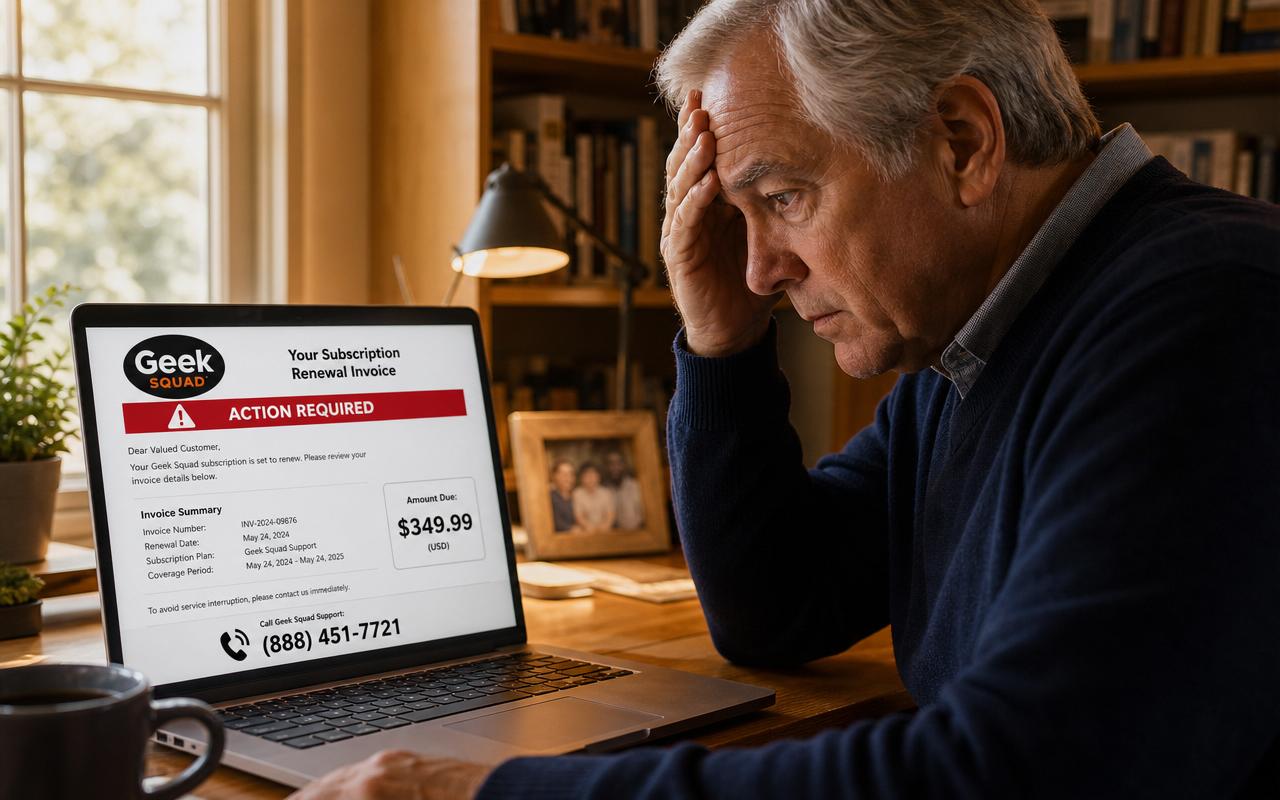
These are the highest-volume phishing emails reaching retirees. They look like a receipt, which is clever: receipts are meant to be reviewed, and a charge you do not recognize makes you want to call immediately. Often there is no link at all — just a phone number — because a phone number sails past spam filters and puts a persuasive human on the line with you.
- Example 1 — 'Norton 360 Deluxe: Your subscription has been auto-renewed. Amount: $399.99. If you did not authorize this, call 1-888-XXX-XXXX within 24 hours.' Tell: real Norton receipts come from @norton.com or @nortonlifelock.com and never list a cancellation hotline in the body.
- Example 2 — 'Geek Squad Protection Plan renewal — Invoice #GS-77412 — $427.88'. Tell: an attached PDF or image invoice so text filters cannot read it; Best Buy sends receipts from @bestbuy.com and shows plans in your account.
- Example 3 — 'McAfee Total Protection auto-debit successful. To dispute, contact billing support.' Tell: a Gmail, Outlook or unknown domain in the reply-to field.
- Example 4 — 'Your Amazon Prime membership renewed at $139.00. Cancel your order.' Tell: the button leads to a lookalike page asking for your login and card 'to process the refund'. Real Amazon never asks for card details to cancel Prime.
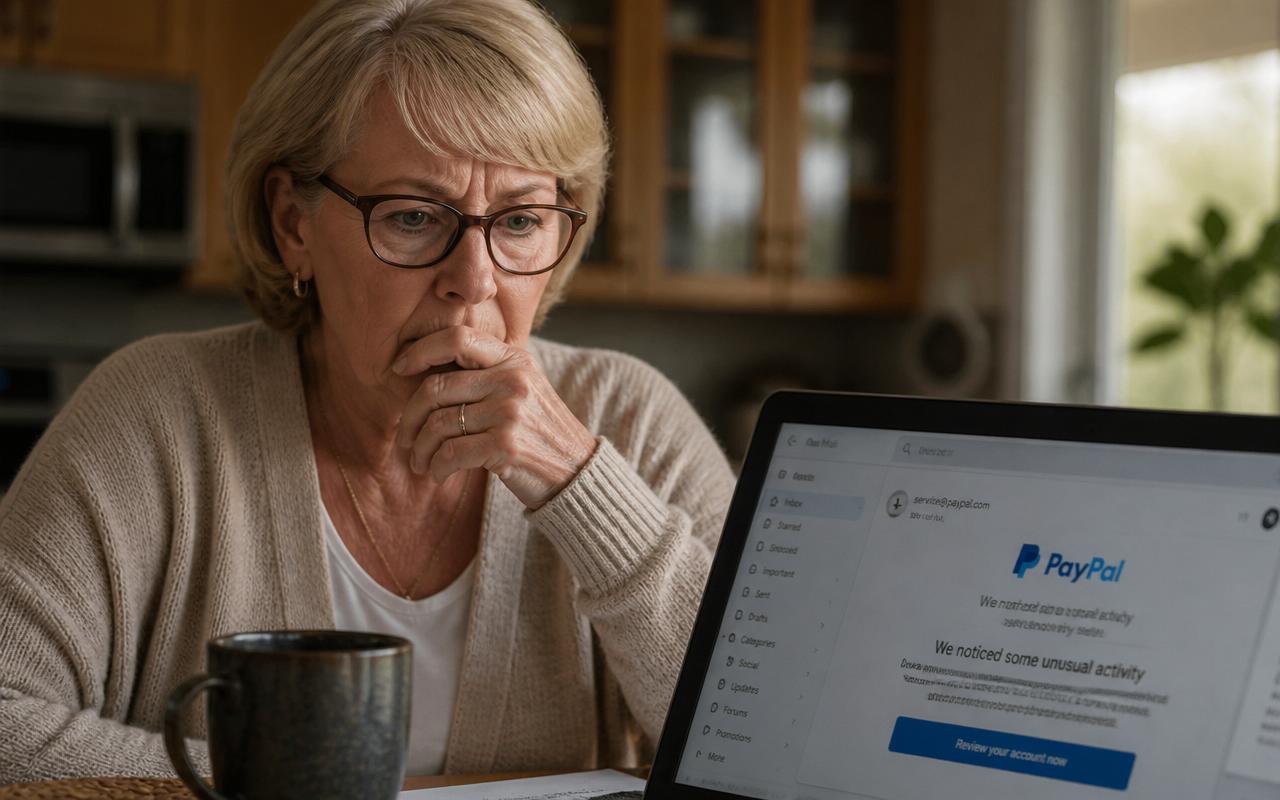
- Example 5 — 'PayPal — You sent $749.00 to Coinbase. Transaction ID 8FJ2K.' Tell: no such payment exists in your PayPal account. Log in directly and you will see nothing.
What happens if you call: a polite 'refund department' agent asks you to install AnyDesk, UltraViewer or TeamViewer so they can 'process the refund'. Then they show you a fake screen where the refund was 'accidentally' overpaid by thousands, and ask you to return the difference in gift cards or a wire. There is no refund and no overpayment — you are looking at a web page they control.
Category 2: Delivery and package emails
- Example 6 — 'USPS: Your package is on hold due to an incomplete address. Update your details to reschedule delivery.' Tell: a $0.30 to $3.00 'redelivery fee' request. USPS never charges a redelivery fee by email or text.
- Example 7 — 'FedEx delivery attempt failed. Confirm your address within 48 hours or the parcel is returned.' Tell: a link ending in .top, .icu, .cc, .shop or a long random string, not fedex.com.
- Example 8 — 'UPS: customs duty of $1.99 outstanding on your shipment.' Tell: small amount, big urgency — the goal is your card number, not the $1.99.
- Example 9 — 'Amazon Logistics could not deliver your order #114-2280. Verify delivery details.' Tell: you are not expecting an Amazon delivery, or the order number does not appear in Your Orders.
Verify these by opening the carrier's official app or typing the tracking number on the carrier's own site. If a real package exists, it will be there.
Category 3: Account security and login alerts
- Example 10 — 'Unusual sign-in from Lagos, Nigeria. If this wasn't you, secure your account now.' Tell: the panic is the point. The 'secure your account' button opens a perfect copy of the login page and captures your password.
- Example 11 — 'Your Microsoft password expires today. Keep the same password.' Tell: Microsoft never emails password-expiry warnings to personal accounts.
- Example 12 — 'Apple ID locked for security reasons. Verify your identity.' Tell: it asks for your Apple ID, date of birth, card number and security questions on one page. Apple never asks for a card to unlock an ID.
- Example 13 — 'We detected a login to your bank account from a new device. Confirm it was you.' Tell: banks alert you inside the app and never ask you to enter your full password, PIN or a one-time code by email.
Category 4: Government, Medicare and benefits emails
- Example 14 — 'Social Security Administration: your benefits will be suspended pending identity verification.' Tell: SSA does not suspend benefits by email, and real SSA mail comes from @ssa.gov. Check your account at ssa.gov by typing the address yourself.
- Example 15 — 'Medicare: your new plastic card is ready — confirm your Medicare number.' Tell: Medicare already has your number. Anyone asking for it does not work for Medicare.
- Example 16 — 'IRS: you have a pending refund of $1,247.30. Submit your bank details.' Tell: the IRS does not initiate contact by email, ever. Forward it to phishing@irs.gov.
- Example 17 — 'Final notice: unpaid E-ZPass / toll balance of $6.84. Pay to avoid a $75 penalty.' Tell: small toll, large threat, and a payment page that only wants your card.
Category 5: Personal and emotional lures
- Example 18 — An email that appears to come from your pastor, a board member or a grandchild: 'Are you available? I need a favor — I'm in a meeting and can't talk.' Tell: display name is right, address is a random Gmail. The follow-up always asks for gift cards.
- Example 19 — 'Your email storage is full. Messages will be deleted in 24 hours — upgrade free.' Tell: your provider manages storage inside your account, not through an outside link.
- Example 20 — 'I have recorded you through your webcam. Send $1,900 in Bitcoin or I send the video to your contacts.' Tell: sextortion mass-mail, sent to millions, often quoting an old breached password to seem credible. There is no video. Delete it, and change that password if you still use it anywhere.
The five red flags all 20 examples share
- Urgency with a deadline — 24 hours, 48 hours, 'final notice'.
- A contact method supplied by the message — a link, a phone number, a reply-to address.
- A request for something no legitimate company asks for — a password, a one-time code, remote access, gift cards, crypto, or a wire.
- A sender domain that is close but not exact — amaz0n-support.com, paypal-secure-billing.net, usps-redelivery.info.
- An emotion first, a task second — fear, panic, sympathy, or the relief of stopping a charge.
What to do if you already clicked
- If you only clicked and closed the page, you are very likely fine. Nothing was typed, nothing was taken.
- If you entered a password, change it immediately from a different device, and change it anywhere else you reused it. Turn on two-factor authentication for that account.
- If you gave card details, call the number on the back of the card, report the fraud and ask for a new card number.
- If you let someone connect to your computer, disconnect it from Wi-Fi, restart it, uninstall the remote-access program, change your banking passwords from another device, and call your bank — they may have watched you log in.
- If money left your account, call your bank within two business days. Under Regulation E, prompt reporting caps your liability at $50 for unauthorized electronic transfers.
- Report it: ReportFraud.ftc.gov, IC3.gov, and reportphishing@apwg.org. Reporting takes minutes and feeds the systems that block these campaigns for everyone else.
Five settings that stop most phishing before you see it
- Turn on two-factor authentication for email, banking and Amazon. Even a stolen password becomes useless.
- Use a password manager so every account has a different password — this alone neutralises Example 20 and most credential phishing.
- Mark phishing as phishing (not just 'delete') in Gmail or Outlook so the filter learns.
- Turn on transaction alerts at your bank for every purchase over $1. You will see fraud in minutes, not at month's end.
- Keep your phone and computer set to install updates automatically — most malicious attachments rely on months-old flaws.
A simple household rule that works
Agree with your spouse, adult children or a trusted friend on one sentence: no money moves and no passwords change without a phone call to each other first. Scammers rely on isolation and speed. A 60-second call to someone you trust breaks both. If you would like a second opinion on a specific message, paste it into our free Scam Check tool — it explains what the message is really asking for in plain language, and it costs nothing.
Safe Retire Watch sends plain-English alerts when a new phishing campaign starts targeting retirees, so you recognise the email before it reaches you. Plans start at $12/month with a 30-day money-back guarantee.
Frequently asked questions
- What is the most common phishing email example?
- The most common phishing email in 2026 is a fake subscription renewal or invoice — usually claiming your Norton, McAfee, Geek Squad or Amazon Prime membership has auto-renewed for $299 to $499, with a phone number to call and cancel. There is no charge and no subscription; the goal is to get you on the phone so a 'refund agent' can take remote control of your computer and your bank account.
- How can I tell if an email is a phishing email?
- Check three things in about ten seconds: the full sender address (not the display name), whether the message creates urgency about money or an account, and where a link actually points when you hover over it. If the sender's domain is not the company's real domain, or the link goes somewhere unrelated, it is phishing. Never use a phone number or link inside the message — look up the company yourself.
- What happens if I open a phishing email?
- Simply opening and reading an email is almost always harmless on a modern phone or computer. Danger begins when you click a link, open an attachment, reply, or call the number inside. If you only opened it, delete it and move on. If you clicked, change the password for that account from another device and turn on two-factor authentication.
- Why do retirees get so many phishing emails?
- Older adults are targeted deliberately because they are more likely to have savings, home equity, Medicare coverage and a landline, and because data brokers sell age-tagged mailing lists. FBI Internet Crime Complaint Center data has consistently shown adults over 60 reporting the highest total fraud losses of any age group.
- Should I reply to a phishing email to tell them to stop?
- No. Any reply — even an angry one — confirms your address is live and monitored by a real person, which makes you a higher-value target and increases the volume of scam mail you receive. Report it as phishing in your email program, then delete it.
- Where do I report phishing emails?
- Forward the message to reportphishing@apwg.org and to the impersonated company's abuse address (Amazon: stop-spoofing@amazon.com; PayPal: phishing@paypal.com; IRS: phishing@irs.gov). Report money loss at ReportFraud.ftc.gov and IC3.gov. Also mark it as phishing in Gmail or Outlook so future messages are filtered.
Paste a suspicious text or email — instant AI verdict.
Paste any URL before you click — free phishing check.
Stay informed with Safe Retire Watch
Essential starts at $12/month with weekly email scam alerts, the full alert library, and printable safety checklists. Protect is $25/month with real-time email and SMS alerts, Emergency Action Guides, and priority email support. Family Shield is $49/month for up to four family members. 30-day money-back guarantee.
- Encrypted, secure connection
- Payments processed by Stripe
- 30-day money-back guarantee
- Cancel anytime, no fees