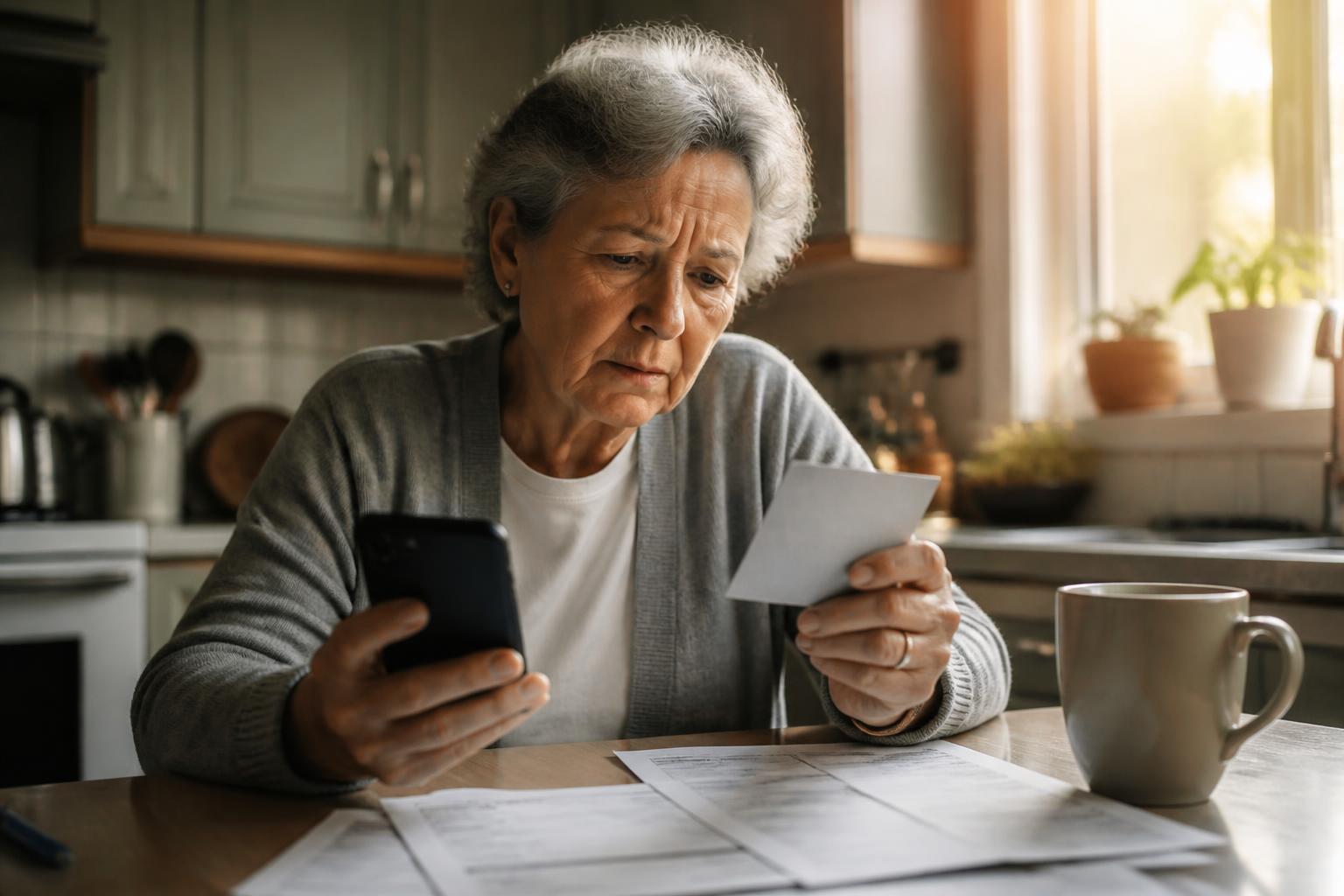
Social Security Scam Warning for Retirees (2026 Guide)
Social Security is warning retirees about imposter calls, emails and texts. Here are the exact scripts being used in 2026, the four things SSA never does, and how to check your account safely.
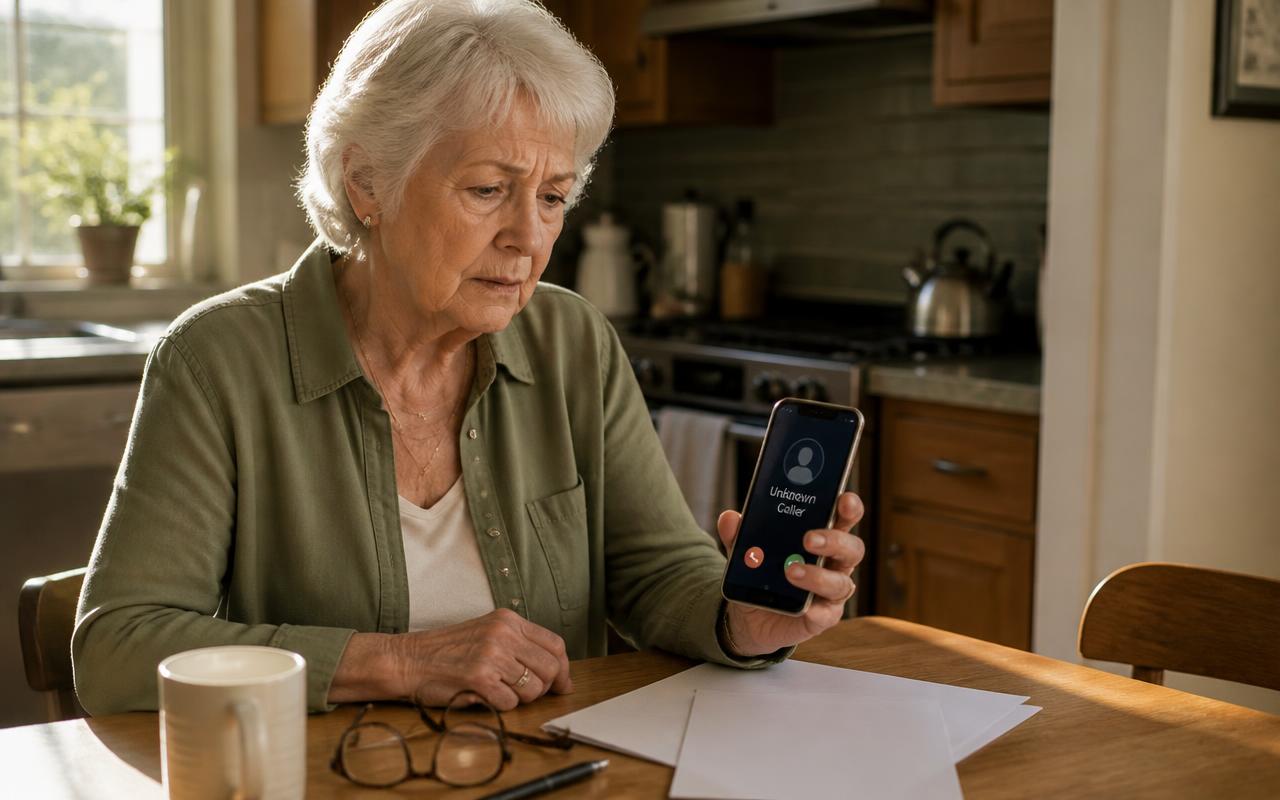
Short answer first: the Social Security warning retirees keep seeing in the news is not about your benefits changing. It is about a surge in government imposter scams — calls, emails, texts and even paper letters that impersonate the Social Security Administration to steal your Social Security number, your bank details, or the login to your my Social Security account. Real SSA staff never threaten arrest, never say your number is suspended, and never ask for gift cards, wire transfers or crypto. If any message does, hang up or delete it and call SSA yourself at 1-800-772-1213.
This guide walks through what the 2026 scripts actually sound like, the four things SSA will never do, how to safely check whether a message about your benefits is genuine, and what to do in the first hour if you already gave something away.
What is the Social Security scam warning about?
The Social Security Administration and its Office of the Inspector General (OIG) have issued repeated public advisories about criminals impersonating the agency. The volume has grown for a simple reason: it works. A call claiming to be from Social Security carries built-in authority, and it touches the one payment most retirees cannot afford to lose. The scam does not need to convince you to send money on the first call — often it only needs to get your Social Security number, your date of birth, or a one-time security code.
Three delivery channels dominate in 2026, and they are increasingly used together — a text first, then an email, then a call from a spoofed number that "confirms" what the earlier messages said. That layering is deliberate. Each message makes the next one feel more legitimate.
1. The suspended number phone call
A recorded voice or live caller says your Social Security number has been suspended due to suspicious activity — money laundering in a border state, a rental car found with drugs in it, or an arrest warrant filed in your name. You are told to press 1 or stay on the line to speak with an officer. The "officer" is calm, quotes a badge number, and may already know your address and the last four digits of your number. The goal is to keep you on the phone, isolated, until you either confirm your full number or move money into a "secure federal account."
The tell is the premise itself. A Social Security number cannot be suspended. It has never been possible. There is no such procedure, no such form, and no such department. That single fact ends the call.
2. The fake SSA email or letter
SSA has warned specifically about a sharp increase in email scams. These messages carry a copied SSA logo, a subject line like "Important: Action Required on Your Benefits" or "Your 2026 COLA Statement Is Ready," and a button that leads to a near-perfect replica of the my Social Security login page. Whatever you type there goes straight to the criminal. Some versions attach a PDF that looks like an official notice with a phone number to call — a number that rings the scam call center, not SSA.
Printed letters exist too. They arrive on paper that looks official, reference a real-sounding claim number, and instruct you to call within 48 hours to "prevent interruption of benefits." Paper adds credibility that email lost years ago, which is exactly why it is coming back.
3. The benefit increase or back-payment text
This one uses good news instead of fear. A text says you qualify for a cost-of-living adjustment, a one-time supplement, or unclaimed back pay, and asks you to confirm your identity through a link. Verification asks for your Social Security number, date of birth, mother's maiden name, and bank routing details "so we can deposit the funds." There is no supplement. The bank details are used to redirect your actual monthly deposit.
Four things Social Security will never do
Memorize these four. They resolve almost every doubtful message without any research at all.
- Threaten you. SSA does not threaten arrest, deportation, legal action, or the immediate loss of your benefits to pressure an instant response. Threats are a scam signature, not a government procedure.
- Demand unusual payment. SSA never asks for gift cards, wire transfers, cryptocurrency, Bitcoin ATMs, payment apps, or cash sent by mail or courier. If you genuinely owe an overpayment, SSA mails a written notice and offers ordinary options including appeal and waiver.
- Ask you to move money to protect it. There is no "safe federal account," no "protected Treasury holding account," and no scenario where a government agency asks you to withdraw savings and hand it to anyone.
- Promise a benefit increase in exchange for information or a fee. Cost-of-living adjustments are automatic, applied to everyone, and announced publicly each October. Nobody has to unlock yours.
How to check whether a Social Security message is real
You never have to argue with a caller or analyze an email's wording. You just need an independent channel. Here is the safe sequence, in order.
- End the contact. Hang up, close the email, do not reply to the text. Nothing is lost by ending it — a genuine matter will still be there in ten minutes.
- Wait ten seconds and say the situation out loud. "Someone called and said my Social Security number was suspended." Hearing it spoken breaks the pressure the script depends on.
- Open your own record. Type ssa.gov into the browser yourself and sign in to my Social Security. Real notices, payment changes and pending actions appear in your account message center. If nothing is there, nothing is happening.
- Call SSA directly at 1-800-772-1213 (TTY 1-800-325-0778), Monday through Friday. Ask them plainly: "Is there any action pending on my record?"
- Tell one other person before you act on anything financial. Scam scripts include instructions to keep the matter secret — that instruction exists only because telling someone works.
If you want a second opinion on a specific message before you take any of those steps, our free tools give you one in a few seconds: paste a link into the suspicious link checker, run an unknown number through the phone reputation checker, or drop the full email text into the scam email explainer.
How to lock down your Social Security record
Most of a retiree's exposure comes from one gap: not having claimed their own online account. Direct deposit changes are made through my Social Security, so whoever controls that account controls where the money goes. Closing these gaps takes an afternoon and holds for years.
- Create your my Social Security account at ssa.gov before someone else does. An unclaimed account is an open door; a claimed one with a strong password and two-factor authentication is not.
- Turn on two-factor authentication and use a phone number only you control. Never read a security code aloud to anyone who calls you — that code is the last lock on the door.
- Block electronic access to your record. Inside my Social Security you can request a block that prevents any change to your record by phone or online, including by you, until you lift it in person or by verified call. For retirees who never change anything, this is close to free protection.
- Freeze your credit at all three bureaus — Equifax, Experian and TransUnion. It is free, permanent until you lift it, and stops new accounts opened with a stolen Social Security number.
- Check your deposit each month. Look at the date and the amount. A redirected payment is far easier to reverse in the first days than the first month.
- Never carry your Social Security card. Keep it in a locked drawer or safe at home. SSA itself advises against carrying it.
What to do if you already gave information or money
Speed matters more than anything else here, and more than embarrassment. Wires, card charges and even some app transfers can be stopped or recalled inside the first 24 to 72 hours. Work down this list in order and do not stop to blame yourself — the scripts are engineered by professionals and they catch former bankers, nurses and engineers every week.
- If money moved, call your bank or card issuer now using the number on the back of your card. Say the words "I am the victim of a government imposter scam" and ask them to freeze the account, recall the transfer, and open a fraud case.
- If you gave your my Social Security login, change that password immediately, then change your email password — email is the master key to everything else. Turn on two-factor authentication on both.
- If you gave your Social Security number, freeze your credit at all three bureaus and place a fraud alert. Then request the electronic access block on your SSA record.
- Report to the SSA Office of the Inspector General at oig.ssa.gov and to the FTC at reportfraud.ftc.gov. If money was lost, add ic3.gov. Keep the case numbers — banks ask for them.
- Write down everything you remember while it is fresh: the number that called, what was said, times, amounts, any names or badge numbers. This is the evidence investigators actually use.
- Tell one family member. Victims who are targeted once go onto "sucker lists" that are resold, and the follow-up call is often a fake recovery service offering to get the money back for a fee.
Numbers worth keeping on the refrigerator
- Social Security Administration: 1-800-772-1213 (TTY 1-800-325-0778)
- SSA Office of the Inspector General fraud reporting: oig.ssa.gov, 1-800-269-0271
- FTC fraud reports: reportfraud.ftc.gov, 1-877-382-4357
- FBI Internet Crime Complaint Center: ic3.gov
- National Elder Fraud Hotline: 1-833-372-8311
- Credit freezes: equifax.com, experian.com, transunion.com
The habit that ends this whole category of scam
Every Social Security imposter scam — the suspended-number call, the fake COLA email, the back-payment text, the official-looking letter — depends on two ingredients: urgency, and you using the contact details the scammer supplied. Remove either one and the scam has nothing left. So make it a household rule that nobody in your home ever acts on an incoming message about money or benefits. You end the contact, you wait, and you reach the agency yourself through a number you already had.
That habit costs you a few minutes on the rare occasion a message is genuine. It costs a criminal the entire operation.
Frequently asked questions
- Does Social Security ever call you?
- Rarely, and almost never out of the blue. SSA may call if you have an open claim, a pending appeal, or if you recently contacted them and asked for a callback. A real SSA employee will never threaten arrest, never say your Social Security number has been suspended, never demand payment by gift card, wire, cash or cryptocurrency, and never ask you to move money to a "safe" or "protected" account. Any call that does one of those things is an imposter, 100% of the time.
- What is the Social Security warning retirees keep hearing about?
- SSA and its Office of the Inspector General have issued repeated public warnings about a sharp rise in government imposter scams — phone calls, emails, texts and letters that copy SSA branding to steal Social Security numbers, bank details and my Social Security login credentials. The warning is not about a change to your benefits. It is about criminals impersonating the agency, which is now one of the most reported fraud types among adults over 60.
- Can someone steal my Social Security benefits with my number?
- Yes, through direct deposit redirection. A thief who has your Social Security number, date of birth and enough personal detail can try to create or hijack a my Social Security account and change the bank account your monthly payment lands in. That is why creating your own account at ssa.gov before anyone else does, and turning on extra security, is the single best protective step a retiree can take.
- Is the number 1-800-772-1213 real?
- Yes. 1-800-772-1213 is the official Social Security Administration national number, and 1-800-269-0271 is the SSA Office of the Inspector General fraud hotline. The danger is the reverse direction: scammers spoof those numbers so they appear on your caller ID. Caller ID proves nothing. Hang up and dial the number yourself.
- How do I report a Social Security scam call?
- Report it at oig.ssa.gov, the SSA Office of the Inspector General fraud site, and also at reportfraud.ftc.gov. If you lost money, add a report at ic3.gov and call your bank immediately. Reporting takes about five minutes and helps investigators map the call centers behind these scripts — you do not need to have lost money to file.
- Does Social Security send emails or text messages?
- SSA sends limited emails and texts, mostly to people who opted in through a my Social Security account — for example, security codes or notices that a document is ready. Those messages never ask you to click through to enter your Social Security number, banking details or password. SSA warned specifically about a sharp increase in email scams that copy its logo and link to convincing fake login pages. Never sign in through an emailed link; type ssa.gov yourself.
Paste a suspicious text or email — instant AI verdict.
Paste any URL before you click — free phishing check.
Stay informed with Safe Retire Watch
Essential starts at $12/month with weekly email scam alerts, the full alert library, and printable safety checklists. Protect is $25/month with real-time email and SMS alerts, Emergency Action Guides, and priority email support. Family Shield is $49/month for up to four family members. 30-day money-back guarantee.
- Encrypted, secure connection
- Payments processed by Stripe
- 30-day money-back guarantee
- Cancel anytime, no fees