Venmo Scams in 2026: 12 Common Types, Red Flags & How to Get Your Money Back
A plain-English guide to every major Venmo scam in 2026 — fake payment requests, "accidental" transfers, seller and buyer scams, and how to reverse a payment if you've already sent money.
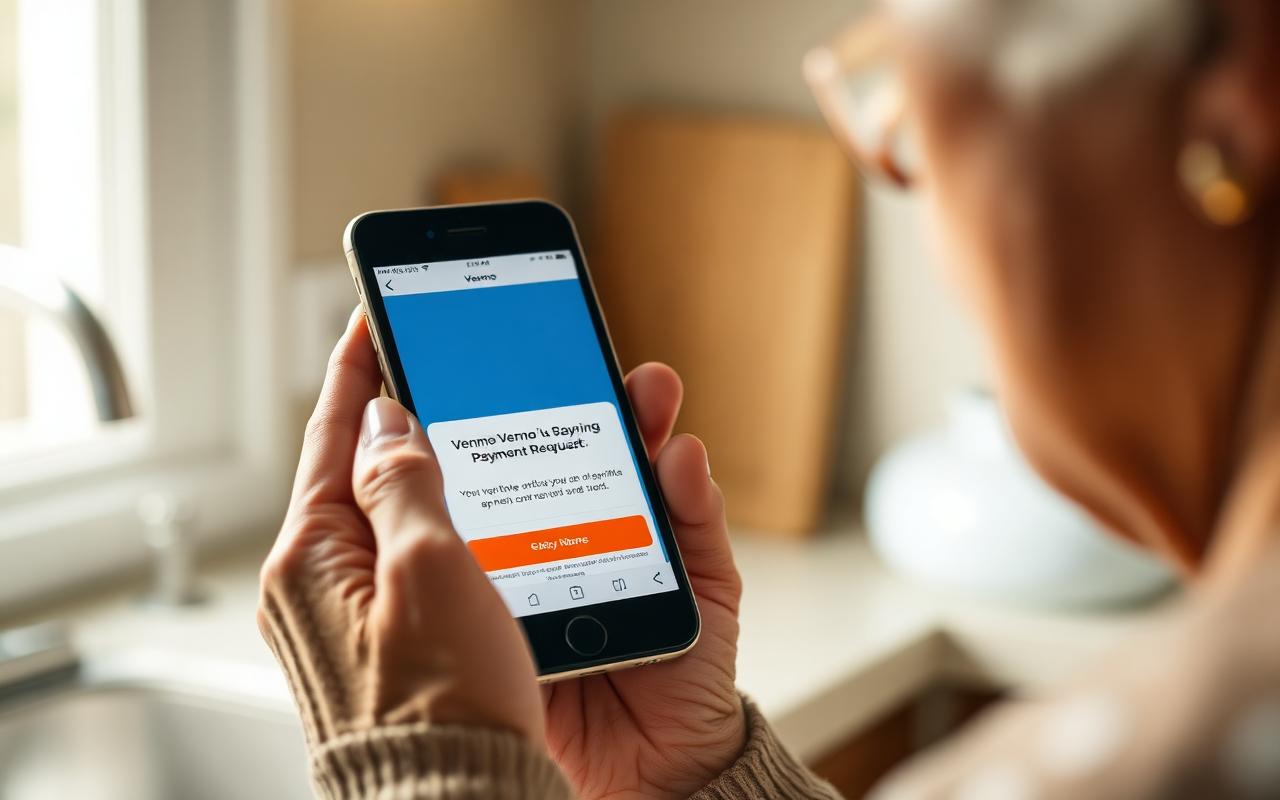
Venmo now moves more than $270 billion a year, and scammers have followed the money. The Federal Trade Commission's most recent fraud report shows peer-to-peer payment apps like Venmo, Zelle, and Cash App accounted for over $210 million in reported losses last year, with adults 60+ losing more per case than any other age group. Venmo is convenient — but unlike a credit card, most Venmo payments are final the second you tap Send. This 2026 guide walks through the 12 scams currently hitting U.S. users hardest, the exact red flags in each one, what Venmo will and won't refund, and the step-by-step process to try to get your money back if you've already been hit.
Is Venmo actually safe to use?
Yes — Venmo itself is a legitimate PayPal-owned service with bank-grade encryption, PIN protection, Face ID, and optional two-factor authentication. The danger is not the app, it's the people on the other end of the payment. Venmo was designed for sending money to friends you already know and trust — splitting a dinner tab or paying back your neighbor. It was not designed as a marketplace or a way to pay strangers. Almost every Venmo scam exploits that gap: a stranger convinces you to treat a Venmo transfer like a credit card purchase, when the underlying rules are closer to handing them cash.
The 12 most common Venmo scams in 2026
1. The fake payment request (Venmo Request scam)
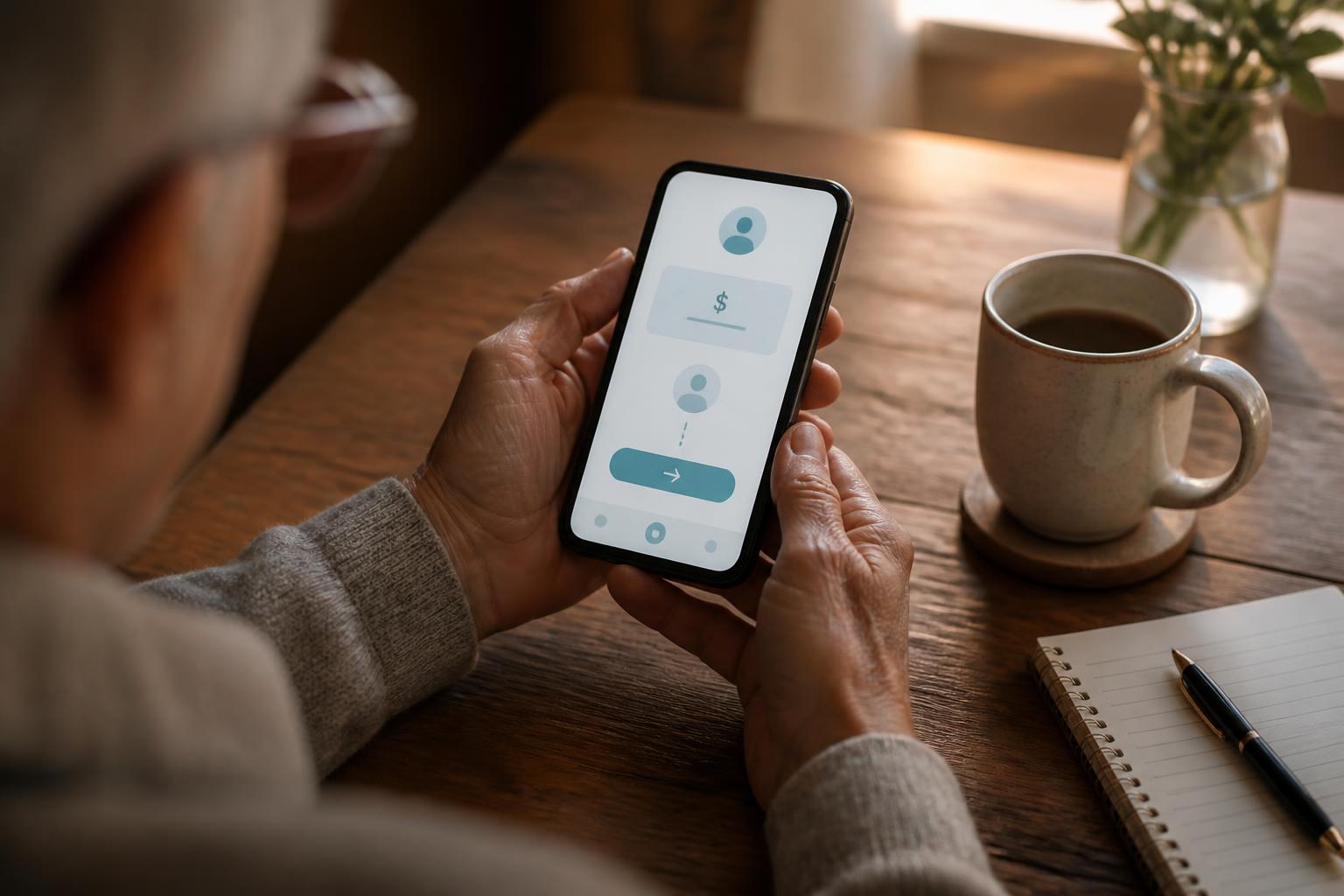
A stranger sends you a Venmo payment request for $20, $50, or $200 with a note like "thanks for lunch!" or "Uber charge". If you tap the notification too quickly, you pay them instead of realizing it's a request. Scammers send these in bulk hoping a small percentage of people pay by accident. Always read notifications carefully — a Request shows a green Pay button and a gray Decline button. If you don't recognize the person, tap Decline every single time.
2. The "accidental" payment scam
You suddenly receive $500 from a stranger. Minutes later, they message you frantically: "I'm so sorry, I sent that to the wrong person, can you please send it back?" The trap: the $500 came from a stolen credit card or a hacked bank account. When the real owner disputes the charge days later, Venmo pulls the $500 back out of your balance — but the money you "returned" is gone forever, straight into the scammer's real account.
3. Fake Venmo customer service
You Google "Venmo customer service phone number" and land on a lookalike site with a fake 800 number. The "agent" tells you your account is compromised and walks you through installing remote-access software (AnyDesk, TeamViewer) or reading them a verification code. They then drain your linked bank account. Real Venmo support does NOT call you unsolicited and will NEVER ask for your password, PIN, verification code, or remote access to your device.
4. The Marketplace / Facebook seller scam
You're buying something on Facebook Marketplace, Craigslist, or OfferUp — concert tickets, a used treadmill, a puppy. The seller only accepts Venmo. You pay. The item never arrives, or the seller blocks you. Because you sent it as a personal payment to a stranger, Venmo's Purchase Protection does not apply. Use Venmo's "Pay for goods and services" toggle (the seller must be tagged as a business profile), or use a credit card through a real marketplace like eBay so you have chargeback rights.
5. The overpayment / fake check combo
A "buyer" of your Craigslist item mails you a check for more than the price and asks you to Venmo the difference to their "movers". The check bounces days later — but your Venmo payment already cleared, and it's gone. This is the exact same scheme as the classic fake-check scam, now bolted onto instant payment apps.
6. Fake prize, sweepstakes, and giveaway scams
"Congratulations, you won a $1,000 Venmo giveaway!" — often posted from a spoofed celebrity or influencer account on Instagram or TikTok. To "claim your prize" you first have to send a small Venmo payment for processing, taxes, or verification. Real giveaways never require you to send money first. Venmo does not run promotions that ask you to pay to claim.
7. The rental deposit scam
You find a great apartment or vacation rental at a suspiciously low price. The "landlord" is out of the country and needs a security deposit via Venmo before you can tour it. The listing was copied from a real Zillow or Airbnb ad. Never send a rental deposit by Venmo, Zelle, or crypto to someone you haven't met in person and whose ID you haven't verified.
8. The romance / crypto investment pivot
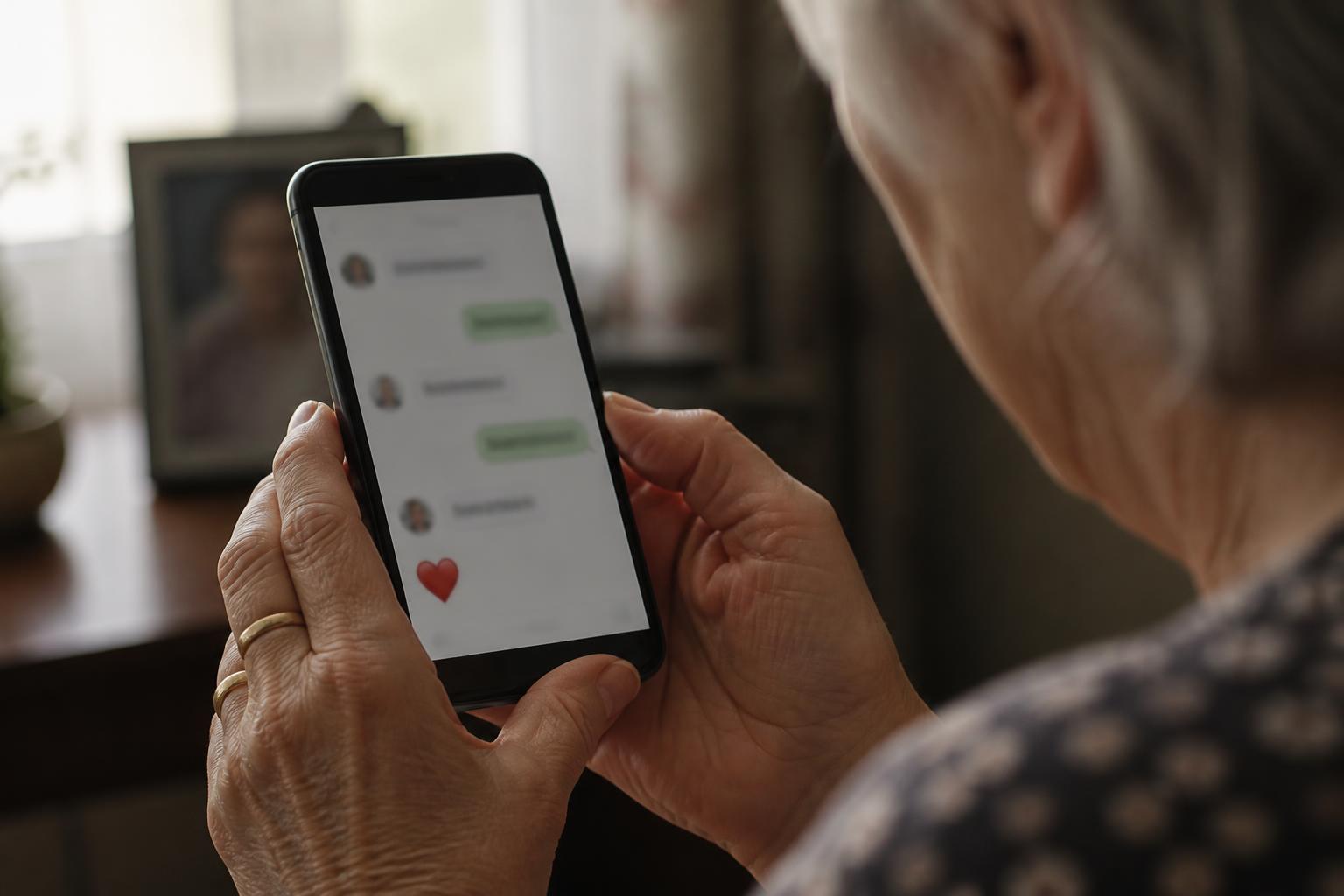
This is a hybrid of the pig-butchering scam. A romantic interest you met on a dating app or Facebook chats with you for weeks, then "teaches" you how to make money on a crypto trading site. Small Venmo transfers move funds to their platform. The dashboard shows huge gains. When you try to withdraw, there are "taxes" and "fees" until you finally realize the whole platform is fake. Read our full romance-scam guide for the recovery playbook.
9. "Verify your account" phishing texts and emails
You get a text or email claiming there's suspicious activity on your Venmo account and you must "verify" by clicking a link. The link leads to a fake Venmo login page that steals your username, password, and 2FA code. Real Venmo alerts appear inside the app, not through outside links. Never log in through a link — always open the Venmo app directly and check your activity there.
10. The QR code swap
At a farmers market, garage sale, or in-person transaction, a scammer discreetly covers the real Venmo QR code with a printed sticker of their own QR code. Your payment goes to them, not the seller. Always verify the recipient's username and profile photo on the confirmation screen before you tap Pay.
11. Grandparent scam using Venmo
"Grandma, it's me — I'm in jail, please don't tell mom. Send $800 on Venmo to my lawyer." AI voice cloning now makes these calls terrifyingly realistic. Any request for urgent money over the phone — even from a familiar voice — should be verified by calling your grandchild directly on their real number, or by asking a family safe word.
12. The employment / mystery shopper scam
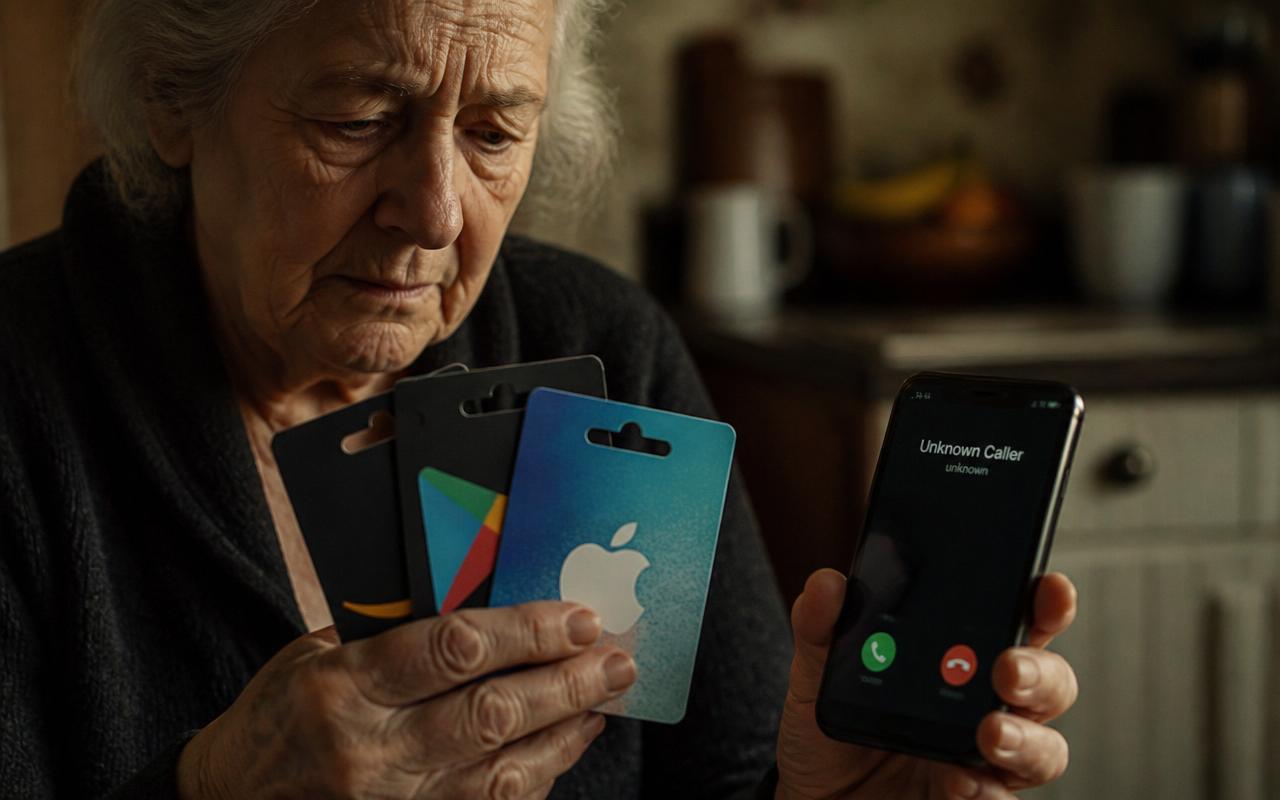
A remote "employer" hires you and sends a Venmo payment to "buy supplies" or "test gift cards at a store". The initial payment is real (from a stolen source) but will be clawed back — meanwhile you've already spent your own money at the store on their behalf.
The 6 red flags in almost every Venmo scam
- Urgency: "Send it right now," "my account will close," "the deal expires in 10 minutes." Real transactions never require panic.
- The person insists on Venmo and refuses credit card, PayPal Goods & Services, or an escrow service. They want an irreversible payment.
- You've never met them in person — no matter how long you've been chatting online.
- They ask you to send money back after overpaying, or forward money to a third party.
- The story involves an emergency: hospital bill, arrest, stranded overseas, urgent lawyer fee.
- They ask for a Venmo verification code, PIN, password, or want to "help" you install an app on your phone.
Will Venmo refund money if I've been scammed?
The honest answer: usually no for personal payments, sometimes yes for purchases. Here's how it breaks down:
- Authorized personal payments to a scammer: Venmo generally will NOT refund these. You told the app to send the money, so under federal Regulation E it's considered authorized.
- Unauthorized transactions (someone hacked your account and sent money without you knowing): Venmo IS required to investigate and typically refunds these if you report within 60 days of the statement.
- Purchases tagged as "goods and services" from a Venmo Business Profile: covered by Venmo's Purchase Protection — you can file a dispute and often get refunded.
- Payments funded by a credit card: you may be able to file a chargeback with your credit card company even if Venmo won't help. This is one reason to keep a credit card (not a debit card) as your Venmo funding source.
How to report a Venmo scam and try to get your money back — step by step
- Inside the Venmo app, open the payment → tap the three dots (•••) in the top right → Report → follow the prompts. Do this within hours if possible.
- Menu → Get Help → Contact Us → chat or email Venmo support with the transaction ID, screenshots, and a clear timeline.
- If your bank or credit card funded the payment, call the number on the back of your card and ask about a dispute or chargeback.
- Freeze your Venmo account (Settings → Privacy) and change your Venmo password and email password. Enable two-factor authentication.
- File a report at reportfraud.ftc.gov and, if the loss is $100+, at the FBI's IC3 at ic3.gov. This is what triggers federal investigations of scam rings.
- Report to your state attorney general — most have a consumer fraud portal.
- If a family member was pressured or exploited, file an Adult Protective Services report (eldercare.acl.gov, or 1-800-677-1116).
10 Venmo safety settings every retiree should turn on today
- Open Venmo → Me tab → Settings gear icon.
- Security → turn ON "Require PIN" every time the app opens.
- Security → enable Face ID or Touch ID.
- Security → turn ON Two-Factor Authentication (2FA).
- Privacy → set default privacy to "Private" so strangers can't see your transaction history.
- Privacy → hide your past transactions from public view (Past Transactions → Change All to Private).
- Payment methods → set a credit card, not a debit card, as your default funding source (chargeback protection).
- Notifications → turn on push and email notifications for every payment so you catch fraud instantly.
- Friends list → review who has access; remove anyone you don't personally know.
- Set up Venmo Teen or Venmo for a trusted family member so they can help monitor your account for unusual activity if you'd like an extra set of eyes.
How to spot a Venmo scam in 30 seconds
Before you tap Send on any Venmo payment, stop and run through this quick check:
- Do I actually know this person in real life? Not "we've been chatting for two months" — I mean, have we met face-to-face?
- Is this a Payment or a Request? Requests have a green Pay button. Read the screen twice.
- Does the username, profile photo, and last-four of their phone number match the person I think it is? Scammers copy names all the time.
- Am I feeling urgency, panic, or excitement? Any of those emotions is a giant red flag. Sleep on it.
- Would I be okay handing this person the equivalent in cash? If not, don't send it on Venmo.
How to protect a parent or grandparent using Venmo
If you're worried about an older parent using Venmo, don't take the app away — that often backfires and makes them hide activity. Instead:
- Sit down together and turn on every setting in the Safety Settings list above.
- Agree on a family "safe word" that any grandchild would use to prove it's really them in an emergency.
- Set weekly notifications on their account (they can share notifications with you) so unusual activity is caught fast.
- Add their bank to a low daily transfer limit at the bank level — many banks let you cap ACH transfers to Venmo.
- Bookmark reportfraud.ftc.gov and ic3.gov so they know where to report if something happens.
Frequently asked questions about Venmo scams
Can someone scam me just by knowing my Venmo username or email?
No — knowing your @venmo handle or the email tied to your account is not enough for anyone to take money from you. What they can do is send you fake requests, phishing emails, or spoofed "Venmo" messages hoping you'll authorize a payment or share a login code. Never share a Venmo verification code with anyone, ever.
Is it safe to use Venmo to pay a stranger for something small?
It's safer than sending cash, but only if you use Venmo's "Pay for goods and services" toggle to a Business Profile — that unlocks Purchase Protection. A regular personal payment to a stranger has zero protection.
Why would there be a warning about a Venmo scam on my screen?
Venmo shows a yellow warning banner when it detects that a payment matches known scam patterns — a first-time recipient, an unusually large amount, or a note mentioning things like "crypto," "gift card," "lawyer," or "IRS." Do not ignore that banner. Cancel the payment and re-verify who you're actually sending money to.
Can I get scammed on Venmo as a seller?
Yes — the most common seller scam is the "buyer" who pays you from a stolen credit card. Venmo reverses the payment days later. Protect yourself by only accepting payments tagged as "goods and services" through a Business Profile, waiting for funds to clear before shipping, and refusing to ship to any address different from the buyer's Venmo billing address.
Does Venmo protect against scams the way a credit card does?
Not for personal payments. Venmo Purchase Protection only covers items marked as "goods and services" through a Business Profile. A regular Venmo payment has no chargeback rights. This is why a credit card — with federal Regulation Z protection — is still the single safest way to pay a stranger online.
The bottom line
Venmo scams work because the app is fast, the interface is friendly, and the money is gone the moment you tap Send. Retirees are targeted more heavily than any other group because scammers know the payoff is bigger. The single most protective habit you can build is a five-second pause before every payment: Do I know this person in real life? Am I being rushed? Would I hand them cash for this? If the answer to any of those is uncertain — stop. Screenshot the message, paste it into our free Scam Check tool, or call a family member. A ten-minute delay has never cost anyone their retirement. Sending too fast has cost thousands of people theirs.
Paste a suspicious text or email — instant AI verdict.
Paste any URL before you click — free phishing check.
Stay informed with Safe Retire Watch
Essential starts at $12/month with weekly email scam alerts, the full alert library, and printable safety checklists. Protect is $25/month with real-time email and SMS alerts, Emergency Action Guides, and priority email support. Family Shield is $49/month for up to four family members. 30-day money-back guarantee.
- Encrypted, secure connection
- Payments processed by Stripe
- 30-day money-back guarantee
- Cancel anytime, no fees