Fake Amazon Renewal Notices: How to Spot the 2026 Subscription Scam (Prime, Music, Kindle)
Got an email saying your Amazon Prime auto-renewed for $899? It's a scam. The 7 red flags in every fake Amazon renewal notice, the 5 scripts circulating in 2026, and exactly what to do in the first 24 hours if you already called the number or paid.
An email lands in your inbox: "Your Amazon Prime membership has been renewed for $899.00. If you did not authorize this, call 1-888-XXX-XXXX immediately." Your heart drops. You never agreed to that. You reach for the phone — and that is exactly what the scammers are counting on. Fake Amazon renewal notices are now one of the top impostor scams targeting U.S. retirees, and the FTC says consumers lost more than $330 million to business-impersonation scams in the last year. Here is exactly how to spot a fake Amazon renewal email in under 30 seconds, the 5 scripts circulating right now in 2026, and what to do if you already called the number.
The 7 red flags in every fake Amazon renewal notice
- A renewal amount that is wildly wrong — $399, $499, $899, even $1,200. Real Amazon Prime is $14.99/month or $139/year. Music Unlimited is $10.99/month. Kindle Unlimited is $11.99/month. Nothing in Amazon's catalog renews for hundreds of dollars at once.
- A phone number to call. Real Amazon renewal receipts never tell you to call a number. They link you back to Your Orders or Your Memberships in your account.
- Sender address that is not @amazon.com. Look for @amazon-support.help, @amzn-billing.com, @prime-renewal.co, @amazon.customer-service.net — anything with hyphens, extra words, or unusual top-level domains is fake.
- Generic greeting like "Hello Customer" or "Dear User" instead of your real name. Real Amazon always greets you with the name on your account.
- Urgent language: "call within 24 hours," "unauthorized charge," "action required immediately." Real billing emails are calm. Scams manufacture panic.
- A PDF or HTML invoice attachment. Real Amazon never sends invoices as attachments — your receipts live in Your Orders inside your account.
- Asking you to confirm card details, your Amazon password, or a 6-digit code by phone. Amazon never asks for any of these over the phone, ever.
The 5 fake Amazon renewal scripts circulating in 2026
1. The Prime auto-renewal invoice (most common)
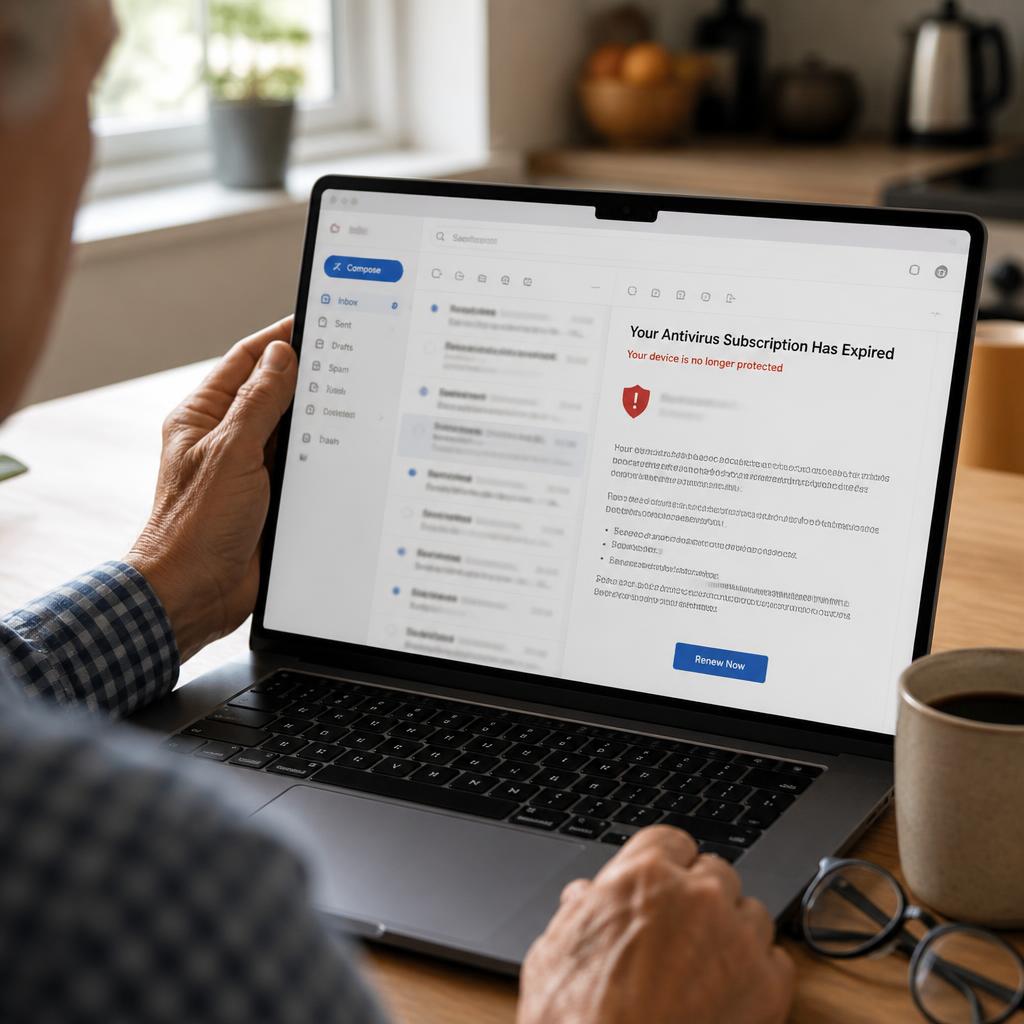
Subject line: "Your Amazon Prime subscription has been renewed." Body claims your Prime membership auto-renewed at an annual rate of $399 to $899, with an "order number" and a phone number to dispute the charge. Calling the number connects you to a scammer who will ask for your card to "reverse the charge" — then drain the account.
2. The Kindle / Music Unlimited upgrade alert
Subject: "Your Kindle Unlimited has been upgraded to the Premium Family Plan." The fake invoice shows a $249 to $499 charge for a plan that does not exist. The script targets people who have never used Kindle Unlimited, because confusion makes them more likely to call to "cancel something I never signed up for."
3. The SMS text version
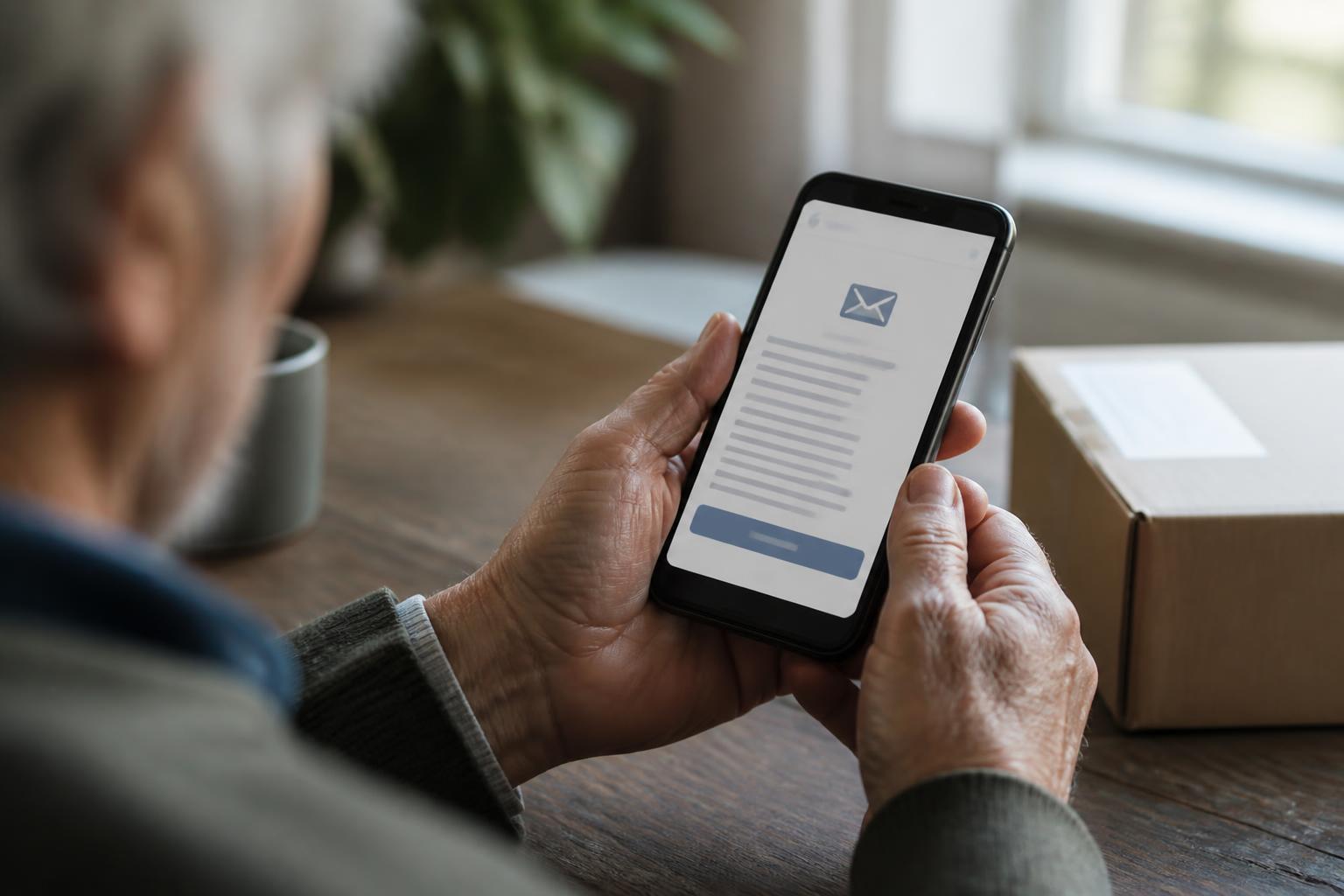
A text reads: "AMZN: Your order #112-9384726 for $799.45 has shipped. Not you? Reply STOP or call 1-888-XXX-XXXX." Replying STOP confirms your number is active. Calling reaches the scam call center.
4. The "unauthorized device on your account" alert
Subject: "A new device just signed into your Amazon account from [random city]." Includes a fake map and a "Secure My Account" button. The button leads to a fake amazon.com login page that captures your password and the 6-digit verification code in real time.
5. The refund-recovery follow-up
This one targets people who were already scammed. A second email or call says: "We see you were charged in error. We can refund the $899 — please confirm your bank routing number so we can deposit it." There is no refund. They are setting up a second theft.
What happens if you call the number
The person who picks up sounds professional and helpful. They will "look up your account" (they cannot — they have no access to Amazon), then say the refund can only be processed if you install a small "remote support" tool: AnyDesk, TeamViewer, UltraViewer, or Zoho Assist. The moment you install it, they have full control of your computer. They will open your online banking, move money between your own accounts to make it look like an "accidental overpayment," and then pressure you to send the difference back in gift cards, Zelle, or a wire transfer. This is the same playbook as the Geek Squad scam, the Norton scam, and the Microsoft tech-support scam — only the brand changes.
What to do in the first 24 hours if you already paid or gave access
- Call your bank's fraud line on the number on the back of your card — not any number the scammer gave you. Tell them: "I am the victim of an impersonation scam. I need to freeze my accounts and start a fraud claim."
- If you paid by Zelle, Cash App, or Venmo, file a dispute inside the app within 60 days. Under 2023 Regulation E updates, many banks now reimburse impostor-scam Zelle losses — but only if you report fast.
- If you paid by gift card, call the card issuer immediately: Amazon gift cards 1-888-280-4331, Apple/iTunes 1-800-275-2273, Google Play 1-855-466-4438, Target GiftCard 1-800-544-2943. Some balances can still be frozen in the first hours.
- If you let them install remote-access software, take the computer to a trusted local repair shop and ask for a full malware scan and removal of AnyDesk, TeamViewer, UltraViewer, ScreenConnect, Zoho Assist, and any "Support.exe" file. Then change every password from a different device.
- Report it to the FTC at reportfraud.ftc.gov and to the FBI's Internet Crime Complaint Center at ic3.gov. Forward the original email to stop-spoofing@amazon.com, then delete it.
- Place a free fraud alert on your credit at one bureau (Experian, Equifax, or TransUnion) — they are legally required to notify the other two.
How to verify a real Amazon notification in 60 seconds
- Do NOT click any link in the email or text.
- Open a new browser tab and type amazon.com directly. On mobile, open the Amazon app.
- Sign in and tap Your Account → Your Orders and Your Memberships & Subscriptions. Real charges always appear there.
- On a desktop, also check Message Center under Your Account. Every legitimate Amazon notification is duplicated there. If the email is not in Message Center, it did not come from Amazon.
- Still unsure? Call Amazon at 1-888-280-4331 (the only real Amazon customer service number) and ask.
Frequently asked questions
Does Amazon ever call customers about subscription renewals?
No. Amazon does not make outbound calls about routine charges, renewals, refunds, or account security. Every legitimate communication is delivered through your account's Message Center and email. If someone calls claiming to be from Amazon, hang up.
What is the real price of Amazon Prime in 2026?
Amazon Prime is $14.99/month or $139/year in the U.S. (Prime Access for qualifying EBT and Medicaid customers is $6.99/month.) Any "renewal" email showing a charge of $200, $400, $800 or more for Prime is a scam — full stop.
Is it safe to just open the email?
Opening the email in modern Gmail, Outlook, Yahoo, or Apple Mail is generally safe — images and scripts are sandboxed. The danger is clicking links, opening attachments, replying, or calling the number. Open, identify it as a scam, report it as phishing, then delete.
I replied to the email by accident. What now?
Replying confirms your address is active and you will see a surge in scam emails over the next few weeks. Do not click anything in any follow-up. Mark every one as phishing. If you shared any personal information in the reply, place a free fraud alert on your credit and watch your bank statements closely for 90 days.
How is this different from the Geek Squad email scam?
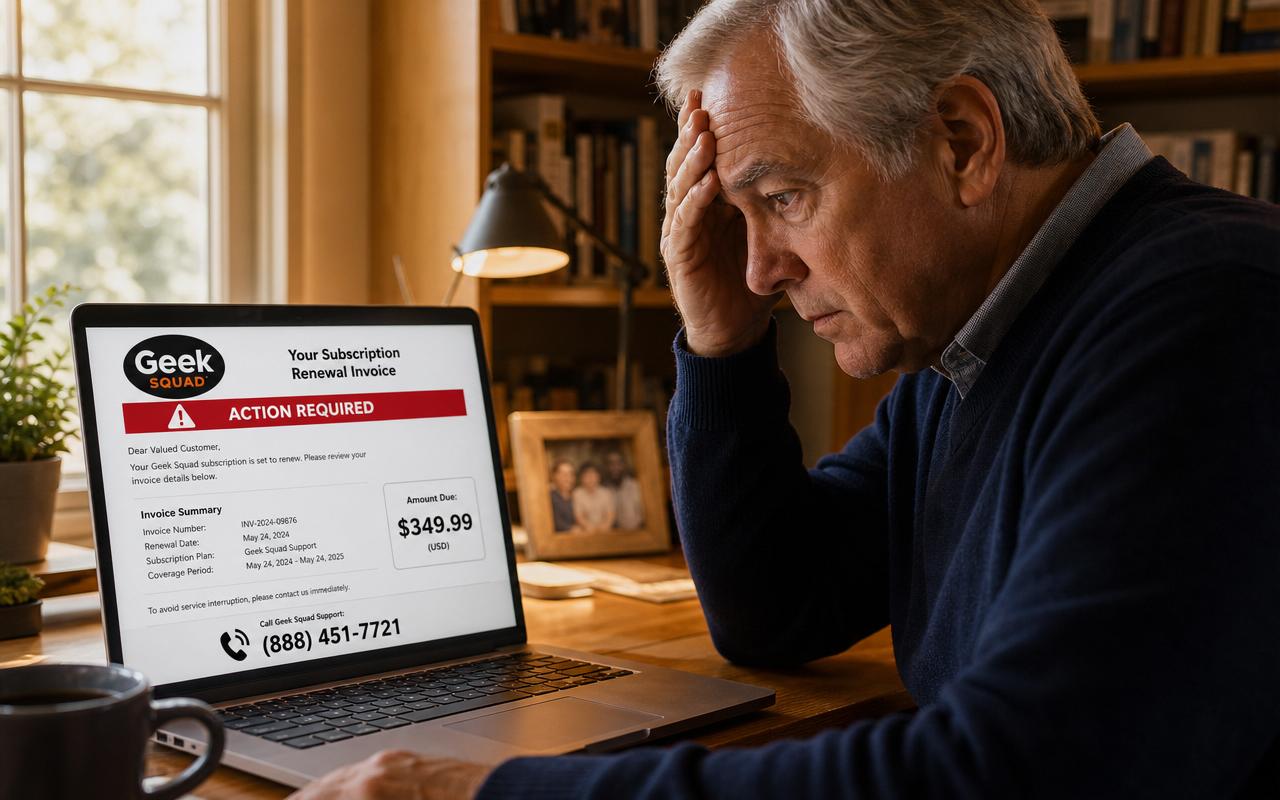
Same scam, different brand. Identical fake-invoice templates circulate impersonating Geek Squad, Norton, McAfee, PayPal, Microsoft 365, and Amazon Prime. The red flags, the call-the-number trap, and the recovery steps are the same. We cover the Geek Squad version in detail in our Geek Squad scam email guide.
How Safe Retire Watch helps
Members get real-time alerts the moment new Amazon, Geek Squad, Norton, McAfee, and PayPal impostor email scripts start hitting U.S. inboxes — plus a one-page Emergency Action Guide listing every bank fraud line, gift-card issuer hotline, and federal reporting number with the exact words to say. Built for retirees and their families: plain English, large readable text, no jargon. Plans from $9/month with a 30-day money-back guarantee.
Paste a suspicious text or email — instant AI verdict.
Paste any URL before you click — free phishing check.
Get scam alerts before they reach you
Safe Retire Watch sends real-time alerts when new scams target retirees in your state. From $9/month. 30-day money-back guarantee.
Get Protected